2.7.8
DATA LOGGING CHAPTER 7 GEODIMETER SYSTEM 600
2
1
Imem
Serial
3
Type of memory device
Selection of memory device can be made with menu function
4, option 1, "Select device".
The following choices are available:
4
MNU
1
Press 1 to select the internal memory
or 2 to select the serial interface
connection. (This is the display that
shows when there is no card memory
or when it is connected via the foot
connector).
This is the display when the card
memory is connected on the backside
of the instrument.
1. Internal memory
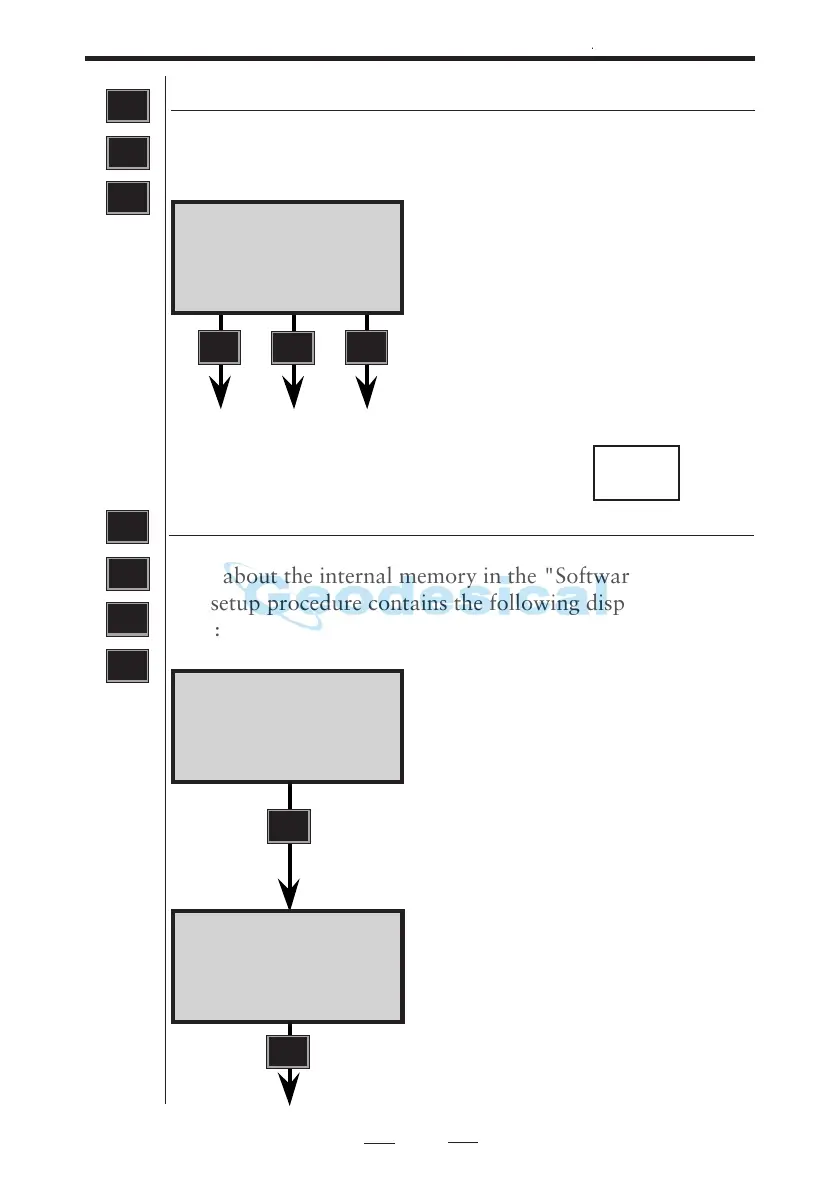
Select MNU 411, for recording to the Internal Memory. See
more about the internal memory in the "Software Manual".
The setup procedure contains the following display instruc-
tions:
Imem 10:16
Imem ON?
YES to continue, NO to interrupt.
Press YES or ENT.
Select output table number = 0,1,2,3,4
or 5 and then press ENT.
4
MNU
1
1
Imem 10:16
Table no=
ENT
ENT
See next page
Xmem
Data com 10:16
1 Imem
2 Serial
3 Xmem
1 Imem
4 Card



 To Next Page