2.7.9
DATA LOGGING CHAPTER 7 GEODIMETER SYSTEM 600
4
MNU
1
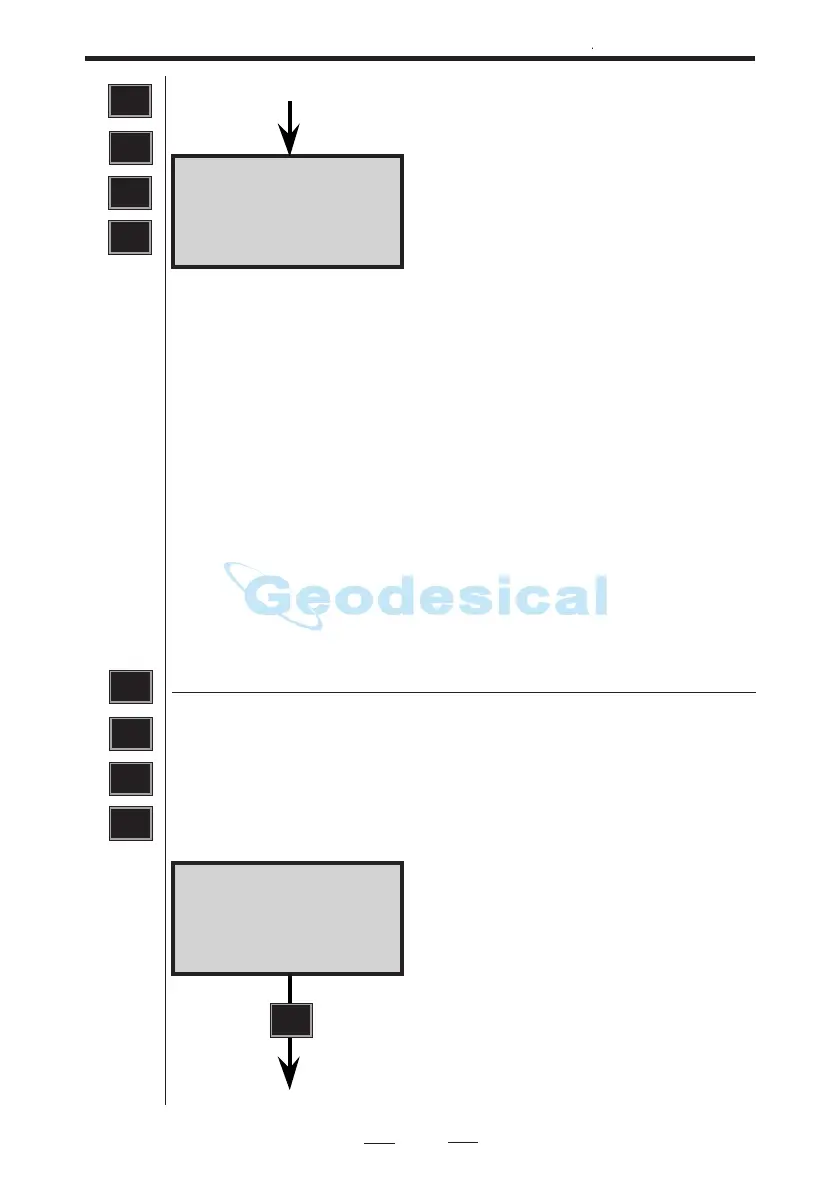
Imem 10:16
REG key?
Control of the output can be done by
pressing the REG key of the instru-
ment (REG-key?) or continously
(Slave?). Choice of method is made by
answering Yes to one of the following
questions: REG-key? or Slave?.
From previous page
Serial 10:16
Serial ON?
Connected device switched on or off ?
Press YES or ENT to continue.
ENT
See next page
1
2 Serial output
Select MNU 412 for output to external computer equipment
via the serial interface connection. Setting the communication
is done by following the instructions in the display and
answering via the keyboard.
4
MNU
1
2



 To Next Page