2.7.10
DATA LOGGING CHAPTER 7 GEODIMETER SYSTEM 600
2 Serial output (Cont.)
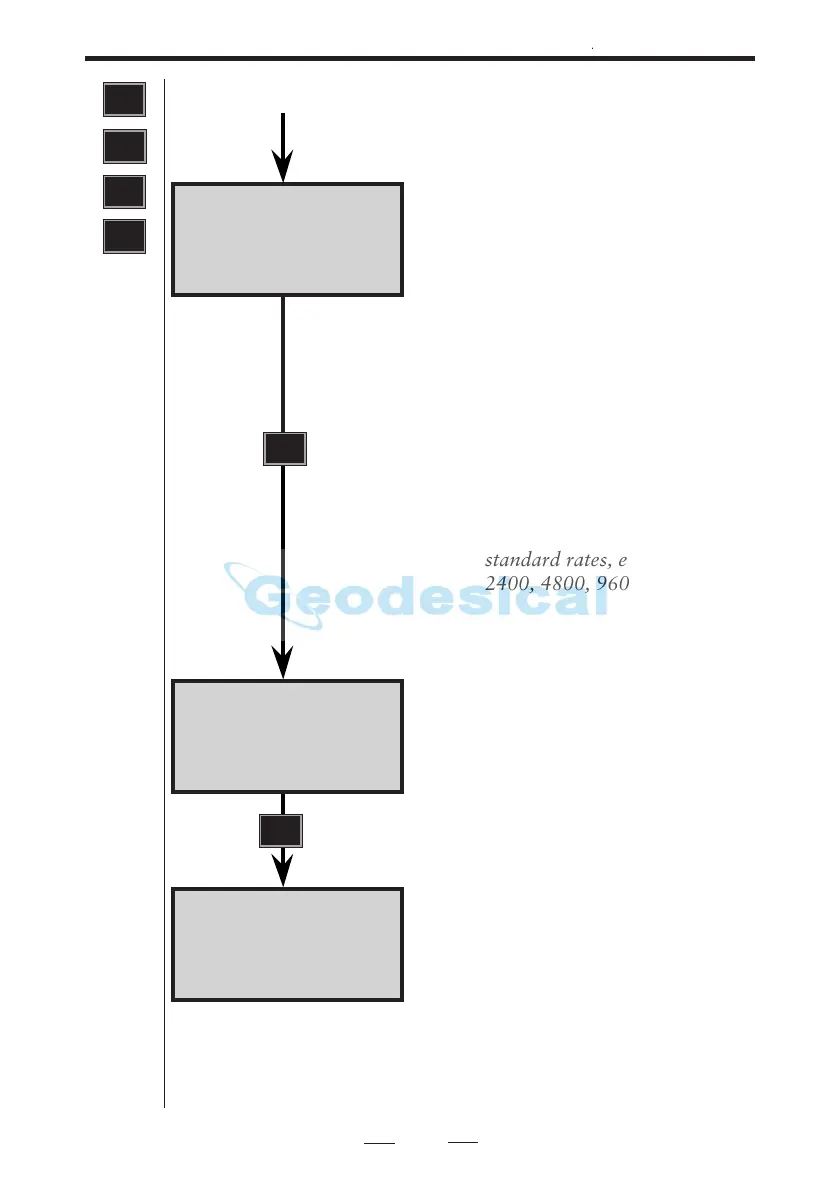
Serial 10:16
COM=1.8.0.9600
Serial 10:16
Table No=
Serial 10:16
REG key ?
Transmission parameters.The parame-
ter setting can be accepted by just
pressing ENT, changed completely by
overwriting from the beginning, or
changed by erasing each character
using the <- key.
The four transmission parameters
which are separated by decimal points
can have the following values:
Pos. 1: Number of stop bits=1
2: Number of data bits 7 or 8
3: Parity: No parity = 0
Odd parity = 1
Even parity = 2
Pos. 4: Baud rate: 50–19200 baud
standard rates, e.g 300, 1200,
2400, 4800, 9600, 19200.
Select output table number = 0,1,2,3,4
or 5 and then press ENT.
Control of the output can be done 1)
by the computer, 2) by pressing the
REG-key of the instrument (REG
key?) or 3) output can be continuous
(Slave?). Choice of method is made by
answering YES to one of the following
questions: REG Key? or Slave?
ENT
ENT
4
MNU
1
2



 To Next Page