1.1.12
INTRODUCTION CHAPTER 1
GEODIMETER SYSTEM 600
Instrument
settings
By pressing MNU, 1, 3 you can set the following:
• Display illumination
• Reticle illumination
• Contrast and viewing angle
• Reflected Signal volume
Press the corresponding key below "Sel" to select what to
set. Use the corresponding key right below "Exit" to return
to the main menu.
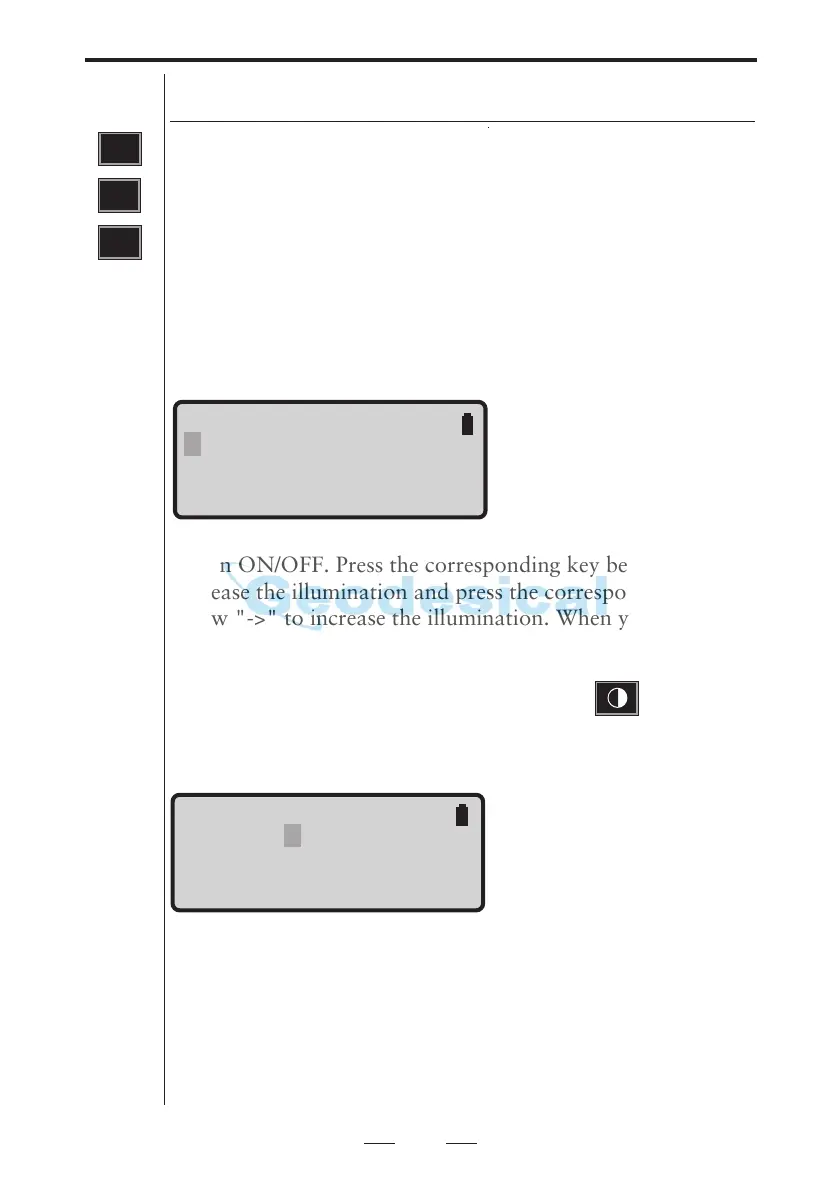
Display illumination
Press the corresponding key below "Off" to turn the illumi-
nation ON/OFF. Press the corresponding key below "<-" to
decrease the illumination and press the corresponding key
below "->" to increase the illumination. When you have
reached the maximum resp. minimum illumination one of
the arrows is blanked out. The arrows will not be shown if
the option is turned off. A long press on the key will
turn the display illumination on/off.
Contrast and viewing angle
Press the corresponding key below "<-" to decrease the
contrast and press the corresponding key below "->" to
increase the contrast. When you have reached the maximum
resp. minimum contrast one of the arrows is blanked out.
The arrows will not be shown if the option is turned off.
Note ! You will find that the contrast setting is most effective
under cold temperature conditions.
MNU
1
Instrument settings
3
GUI 15:54
Illum Contrast
Reticle Vol
Sel <- -> Off Exit
GUI 15:54
Illum Contrast
Reticle Vol
Sel <- -> Exit
Note !
OFF indicates that the
corresponding key below
will turn the option off.



 To Next Page