1.1.13
INTRODUCTION CHAPTER 1
GEODIMETER SYSTEM 600
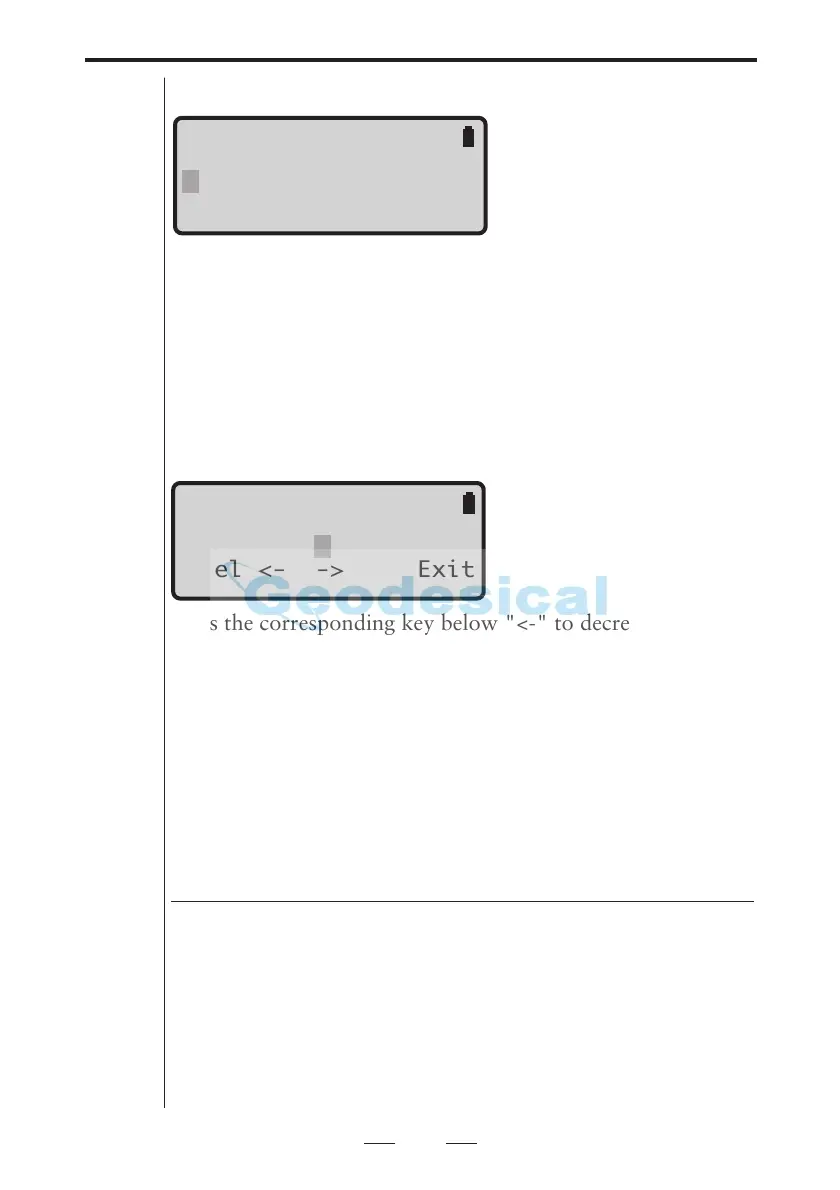
Reticle illumination
Press the corresponding key below "Off" to turn the illumi-
nation ON/OFF. Press the corresponding key below "<-" to
decrease the illumination and press the corresponding key
below "->" to increase the illumination. When you have
reached the maximum resp. minimum illumination one of the
arrows is blanked out. The arrows will not be shown if the
option is turned off.
Reflected Signal Volume
Press the corresponding key below "<-" to decrease the
volume level and press the corresponding key below "->" to
increase the volume level. When you have reached the maxi-
mum resp. minimum level one of the arrows is blanked out.
The arrows will not be shown if the option is turned off.
Hint !
Aim the instrument towards the prism so that you can hear
the current volume level.
User-defined display tables
With the "Config Display" application it is possible to define
your own display table, if the existing table does not fulfill
your needs during the execution of a special survey
application.
For further information refer to page 1.2.12.
All labels in the Geodimeter System can be displayed.
GUI 15:54
Illum Contrast
Reticle Vol
Sel <- -> Off Exit
GUI 15:54
Illum Contrast
Reticle Vol
Sel <- -> Exit
Note !
Off indicates that the the
corresponding key below
will turn the option off.



 To Next Page