1.2.3
PRE-MEASUREMENT CHAPTER 2
GEODIMETER SYSTEM 600
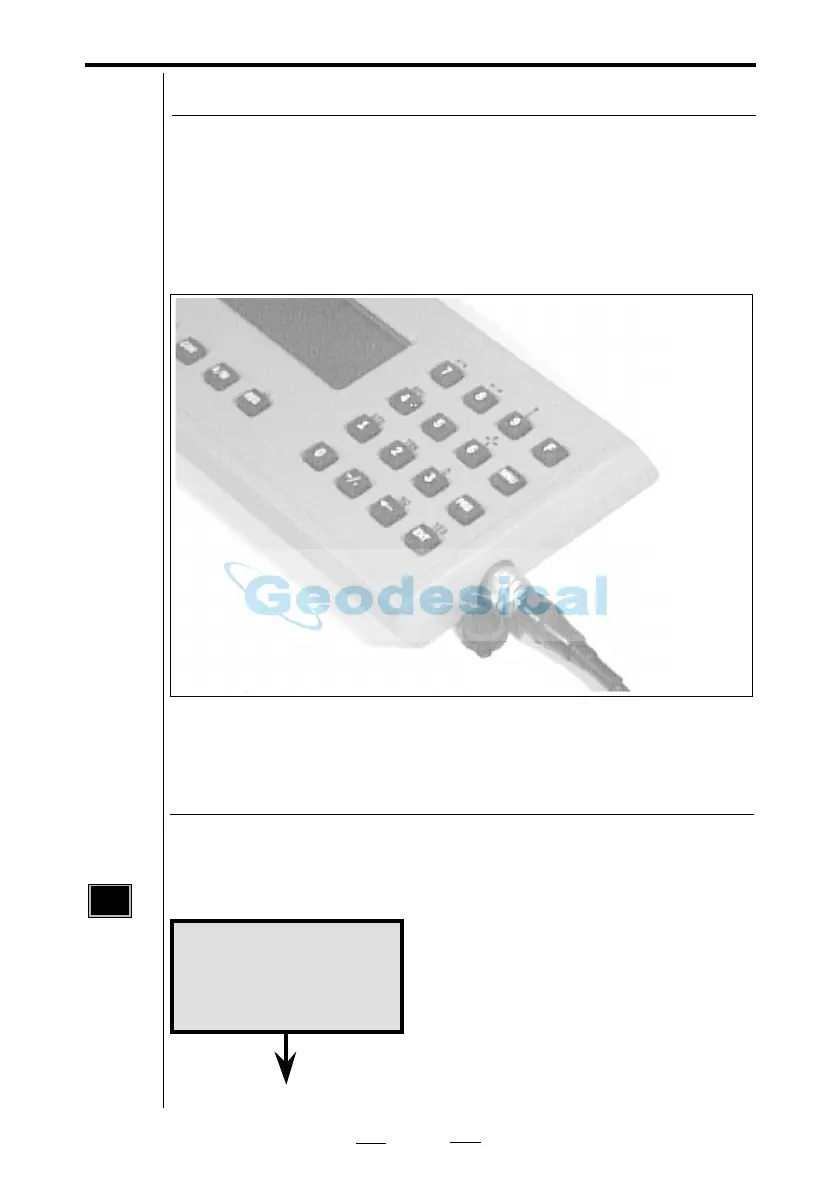
Connecting the external battery to the control unit
When using the control unit detached from the instrument,
e.g. when performing remote surveying or robotic surveying
(see chapter 1.5) or when connecting it to a computer it is
necessary to connect the control unit to an external battery.
Connect the external battery and the control unit with the
standard battery cable as shown in the picture.
Fig 2.2 Connecting the external battery to the control unit.
To turn the instrument on, press the On/Off key. A
built in test sequence displays the following display tables.
On/Off
A built in test sequence displays
Geodimeter and type number followed
by....
Turn on power
PWR
Geodimeter 600
Connecting GDM
See next page



 To Next Page