1.2.19
PRE-MEASUREMENT CHAPTER 2
GEODIMETER SYSTEM 600
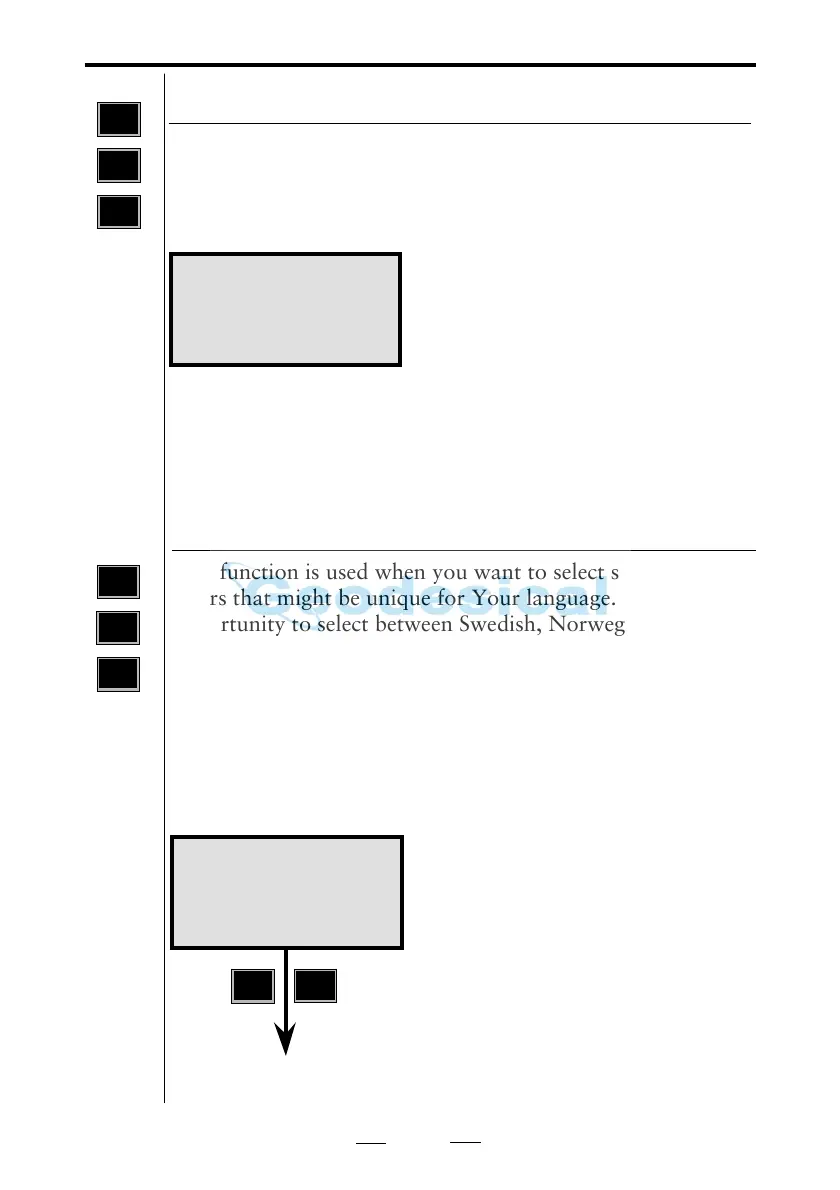
This function is used when you want to select special char-
acters that might be unique for Your language. You have the
opportunity to select between Swedish, Norwegian, Danish,
German, Japanese, UK, US, Italian, French and Spanish. An
instrument with an alpha-numeric control unit gives you the
characters on the last row of the display when working in
alpha mode. An instrument equipped with a numerical
control unit and in ASCII mode displays the special charac-
ters by selecting the different values for different languages.
See complete list on page 1.6.2.
Select type of language
MNU
6
6
Language 13:16
Sw No De Ge Ja
Uk Us It Fr Sp
1:Change
1
ENT
Config. 11:22
1 Standard
2 Fast Standard
If you prefer speed before accuracy
you can switch to fast standard. This
means that the standard measure-
ments will be much faster, but you
cannot measure as accurate as in
normal standard mode. Fast standard
mode is indicated in the display with
"FSTD".
MNU
6
2
With this menu you can choose the standard measuring
mode, STD (Standard) or FSTD (Fast standard). The Fast
standard mode is not as accurate as the Standard mode but
much faster.
Standard Measure



 To Next Page