1.2.22
PRE-MEASUREMENT CHAPTER 2
GEODIMETER SYSTEM 600
Test Procedure (cont.)
See next page
Press in front
Press in front
Note!
☛
MNU
5
TEST
Test 10:16
Collimation
Face II: 0
MNU
5
1
Note!
☛
Press
if you
have a
control
unit at
the front.
A/M
Press in front
Note!
☛
Press
if you
have a
control
unit at
the front.
Note - Minimum test distance !
It is important that the test
measurements are carried out over a
distance greater than 100m to achieve
a correct test result.
Rotate the instrument to C2 (if you
have servo this is done automatically).
Wait for a beep and aim accurately at
the point both horizontally and
vertically.
To measure and record angles, press
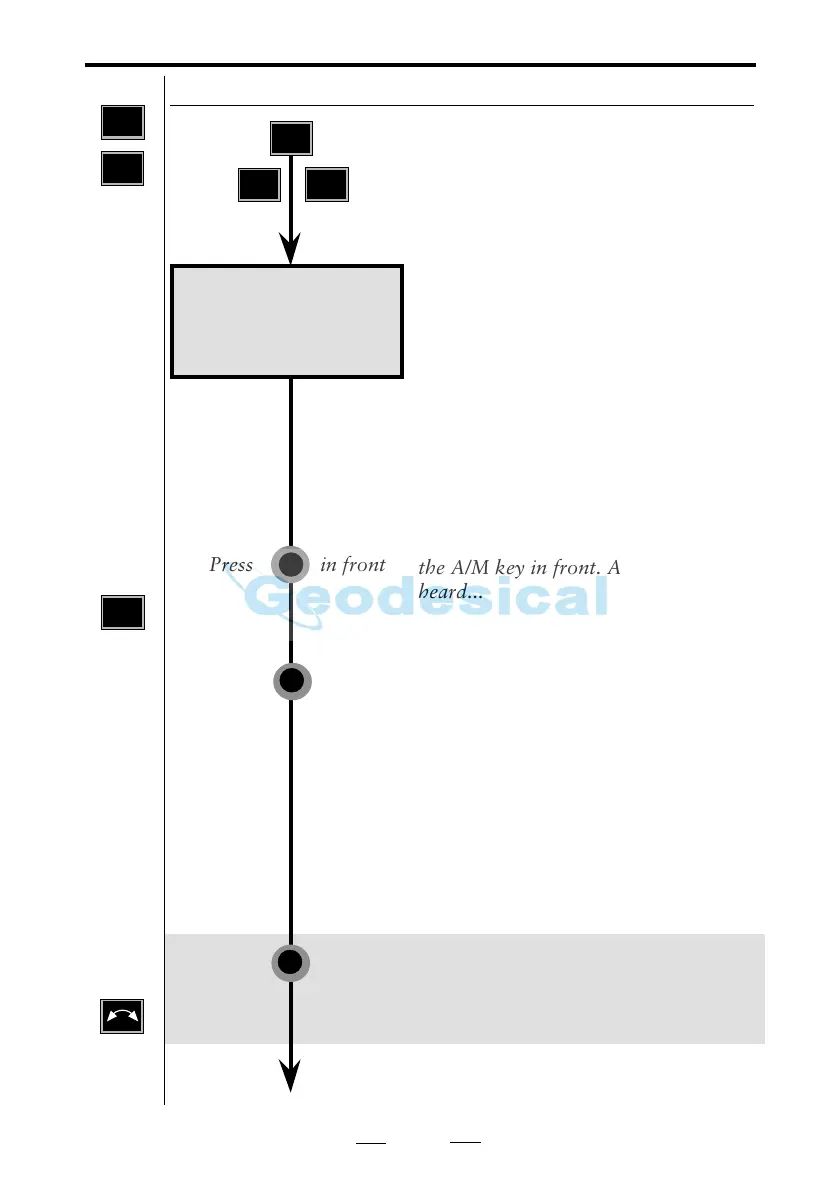
the A/M key in front. A beep is
heard...
Make at least two sightings to the
point (the more the better),
approaching from different directions,
and then press A/M in front.....
Note!
The same number of sightings must be
made in both C2 and C1.
Rotate the instrument to C1 position*
and aim at the point.
*Servo: Rotate the instrument to C1
position by depressing the A/M key in
front for approx 2 sec. and aim at the
point.
Note!
☛
Minimum
test
distance =
100m



 To Next Page