1.2.25
PRE-MEASUREMENT CHAPTER 2
GEODIMETER SYSTEM 600
A/M
A/M
Test Procedure (cont.)
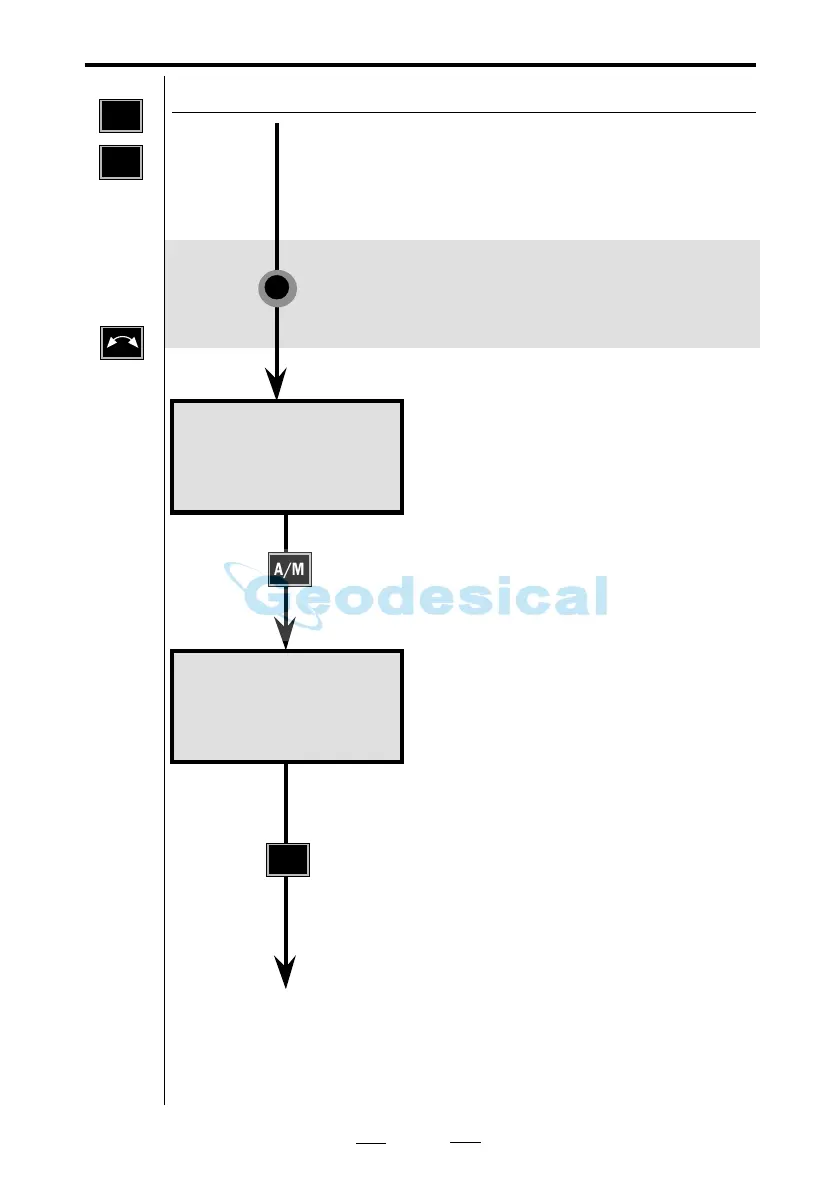
Rotate the instrument to C1 position*
and aim at the point.
* Servo: Rotate the instrument to C1
position by pressing the A/M key in
front for approx. 2 sec.
Aim at the point, press A/M.
Make the second aiming, press A/M.
The second C1 angle measurement and
indication of completion are very
quickly shown on the display.
Test 10:21
Tiltaxis
Face II: 2
Face I : 0
Test 10:21
Tiltaxis
Face II: 2
Face I : 1
See next page
Press in front
MNU
5
TEST
Note!
☛
Press
if you
have a
control
unit at
the front.



 To Next Page