1.2.27
PRE-MEASUREMENT CHAPTER 2
GEODIMETER SYSTEM 600
3
ENT
See next page
Test 19:12+
Test tracker?
The tracker unit, which is directing the instrument when
configured for autolock, remote and robotic surveying, can
obtain collimation errors in a similar way as for the optical
system. Therefore test measurements should be done
regularly and the new values stored.
If possible perform the test over a distance as close as
possible to the distance that you are going to work at, but at
least 100m.
It is important that the RMT is held very still during the test
(it is recommended to use a tripod) and that it is clear sight
without any obstructing traffic.
Calibration is initiated Menu 53. The instrument is
calibrated with respect to Horizontal and Vertical
collimation errors. These collimation errors can be stored
and used to correct the measured points. The measured
values are in effect until a new Test measurement is done.
Tracker Coll - Calibration of the tracker (only for servo)
MNU
5
3
Tracker
Coll
Test 19:12
1 Measure
2 View current
3 Tracker Coll
Note !
☛
The com-
pensator
has to be
initiated
during
this rou-
tine.
Test 19:12+
Please Wait
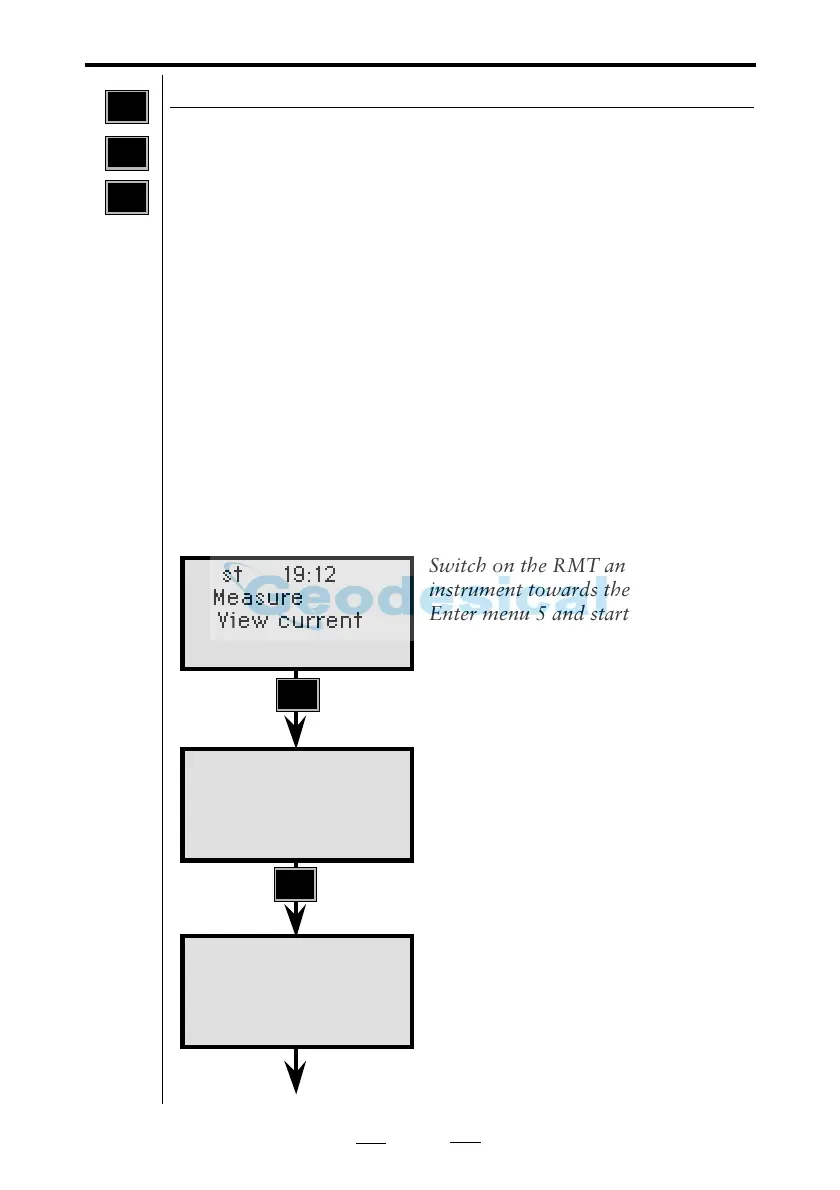
Switch on the RMT and aim the
instrument towards the RMT.
Enter menu 5 and start the Tracker
calibration by pressing 3.
Press the YES or ENT to perform the
calibration or press NO to cancel it.
The instrument is now measuring in
both faces towards the RMT. Please
wait.
Note !
☛
Test-
measure-
ments
should be
done at a
distance
of at least
100m.



 To Next Page