1.3.6
STATION ESTABLISHMENT CHAPTER 3
GEODIMETER SYSTEM 600
The pre-setting of these distance correction and angle orien-
tation values can be entered in program 0, see below. The
PPM factor can also be changed or updated with the help of
the SET 1 routine in which the instrument itself will calculate
the atmospheric correction factor, after you have keyed in the
new temperature and pressure values. PPM, Offset and
HAref angle can also be changed with the functions F30, F20
and F21 respectively. You are therefore never forced into a
situation where you must accept the displayed or keyed-in
values. These can be changed at any time.
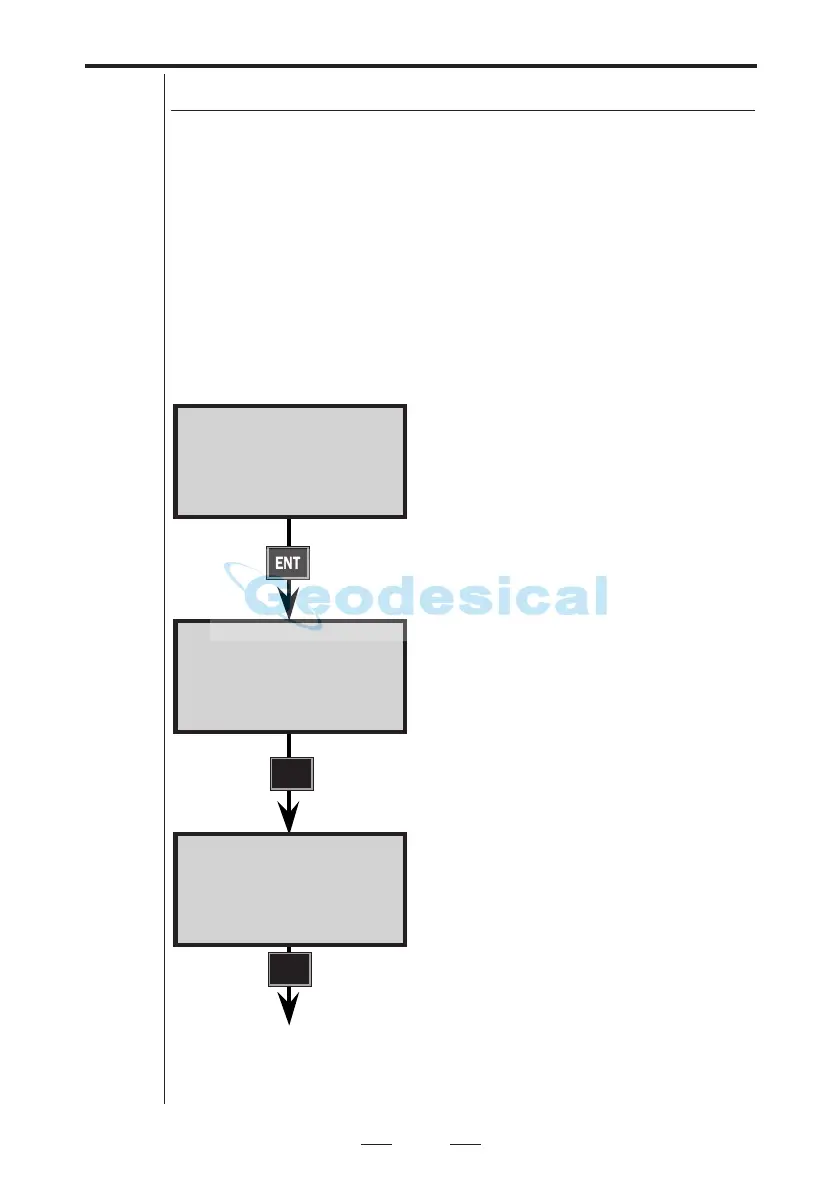
Pre-setting of Temp., Press., Humidity, Offset & HAref
P0 10:16
Press = 760.0_
After calibration of the compensator
the display will automatically change
to program 0.
This was the last temp. value keyed
into the instrument. Accept or key in a
new value.
Accept or key in a new value for
pressure.
Key in Relative Humidity in %. (If you
have choosen Wet Temperature in
MNU6.5 this will be shown instead.)
P0 10:16
RelHum=60.0_
P0 10:15
Temp = 20.0_
ENT
ENT
See next page
ENT
Note!
☛
This menu
is shown
only if
"PPM
Adv." is
activated
in
MNU6.1



 To Next Page