1.3.17
STATION ESTABLISHMENT CHAPTER 3
GEODIMETER SYSTEM 600
PRG
20
2
ENT
1
ENT
1101
ENT
Station establishment with a known station
See next page
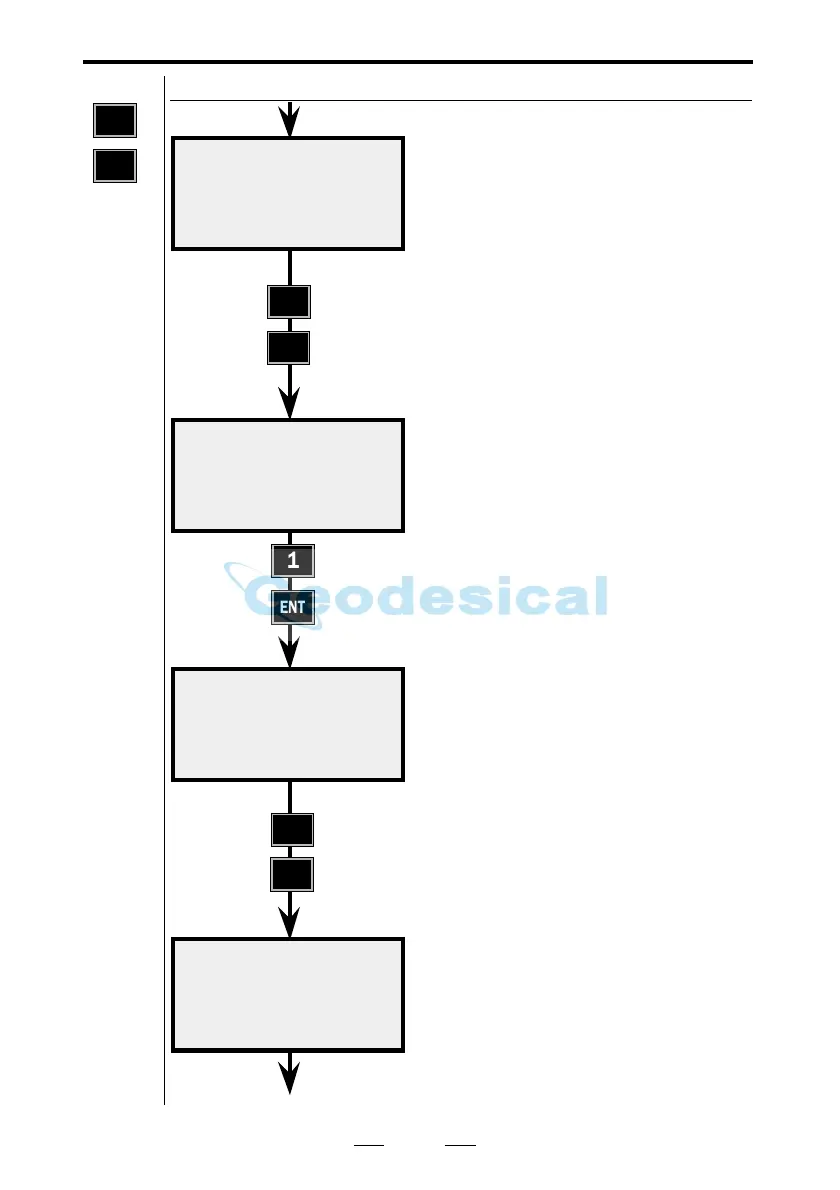
Here you key in the number or name
of the Job file in which you wish to
store data from your station
establishment. A list of data stored in
the selected Job file can be seen on
page 1.3.31. Select, for example, Job
no = 2.
Where will you store your Job file?
Choose a suitable memory unit by
indicating 1, 2 or 3 for activation/
deactivation. Then press ENT. Here
we have chosen to work with the
internal memory.
Key in your station number.
Key in the name of the Area file in
which you have stored your station
point and your reference object.
If you leave the line blank you are
able to enter the coordinates
manually.
P20 10:16
Job no=_
P20 10:17
1:Imem off
2:Xmem off
3:Serial off
P20 10:17
Stn=_
P20 10:17
Area=_
Known Stn.
Note !
☛
See note
on 1.3.35.



 To Next Page