Getting Started 1-6
Taking a Look at the Computer
This section identifies the external components of the computer and
briefly describes the function of each component.
NOTE: Depending on the model you purchased, the appearance of your computer may
not be exactly the same as those shown in this manual.
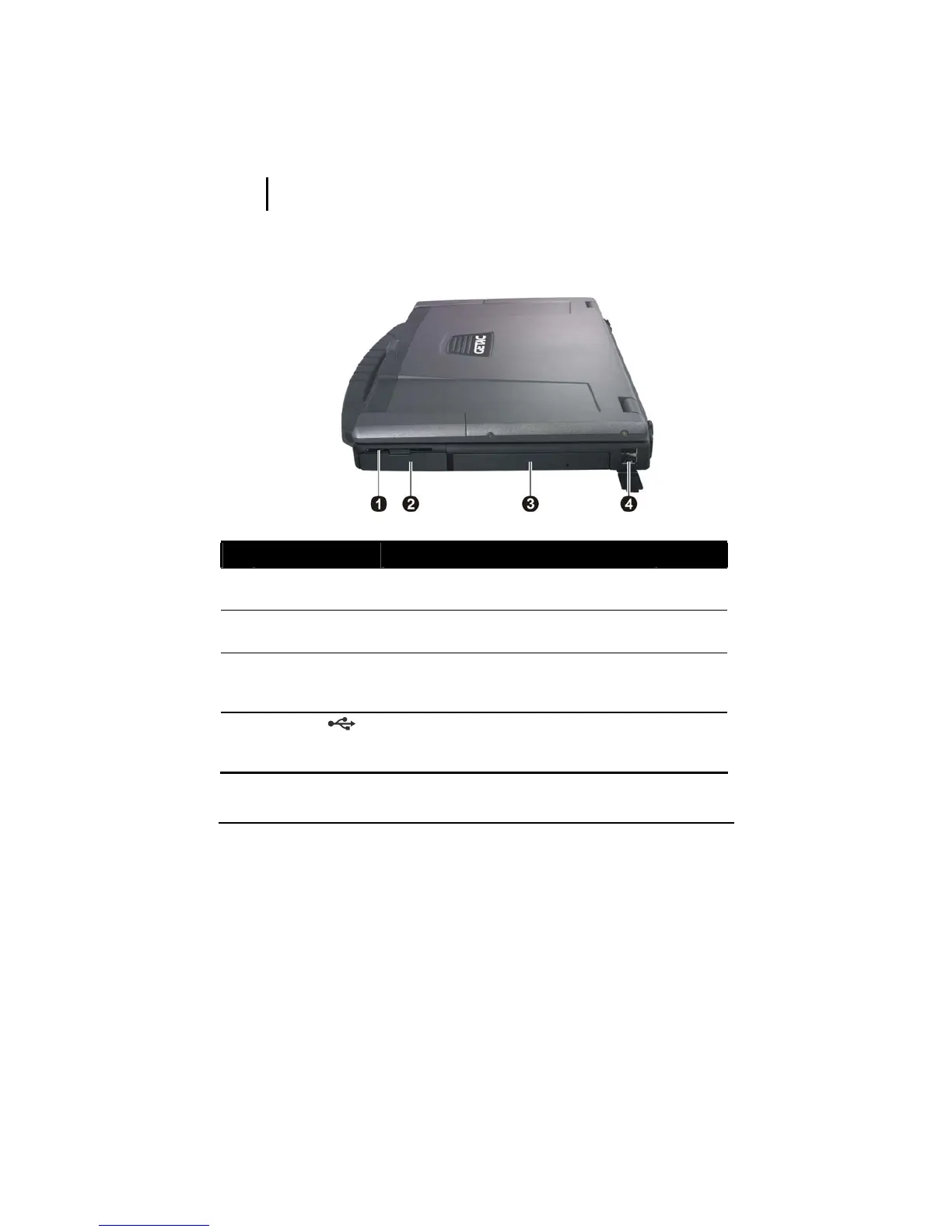
Right-Side Components
Ref Component Description See Also
n
Smart Card
Reader
Accepts a smart card for additional security
feature.
P. 4-6
o
Hard Disk Drive
Compartment
Inside is the hard disk drive. P. 2-15
p
Combo Drive/
DVD Dual Drive/
Super Multi Drive
Accepts a compact disc for installing or
loading software, accessing data, and playing
music/video.
P. 2-16
q
USB Ports
Each of the two ports connects a USB device,
such as a USB flash disk, printer, digital
camera, joystick, and more.
P. 4-5



 To Next Page