Expanding Your Computer 4-14
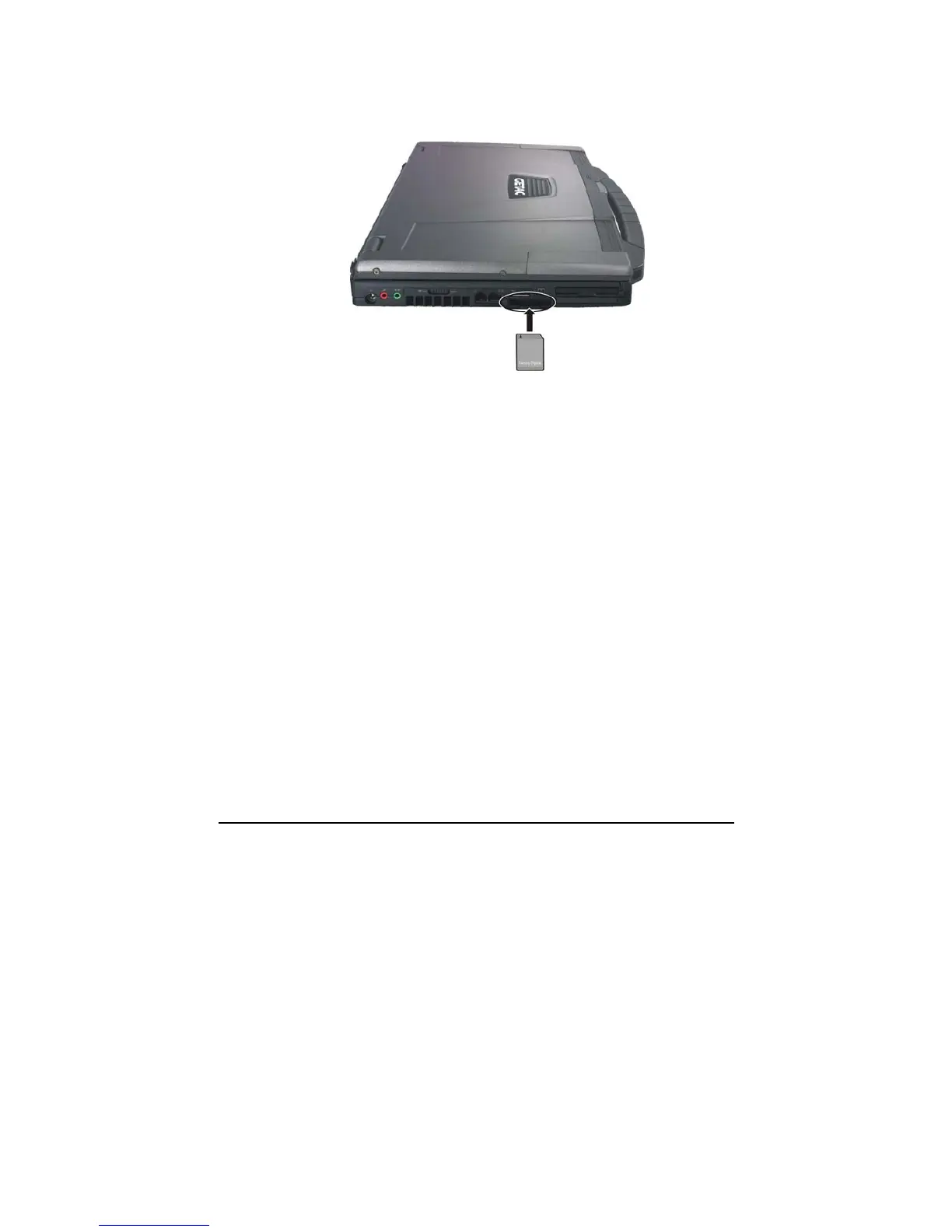
2. Align the card with its connector pointing to the slot and its label
facing up. Slide the card into the slot until it reaches the end.
3. Windows will detect the card and assign it a drive name (typically E).
To remove a storage card:
1. Double-click My Computer.
2. Right-click the drive with the card and select Eject.
3. Pull the card out of the slot.



 To Next Page