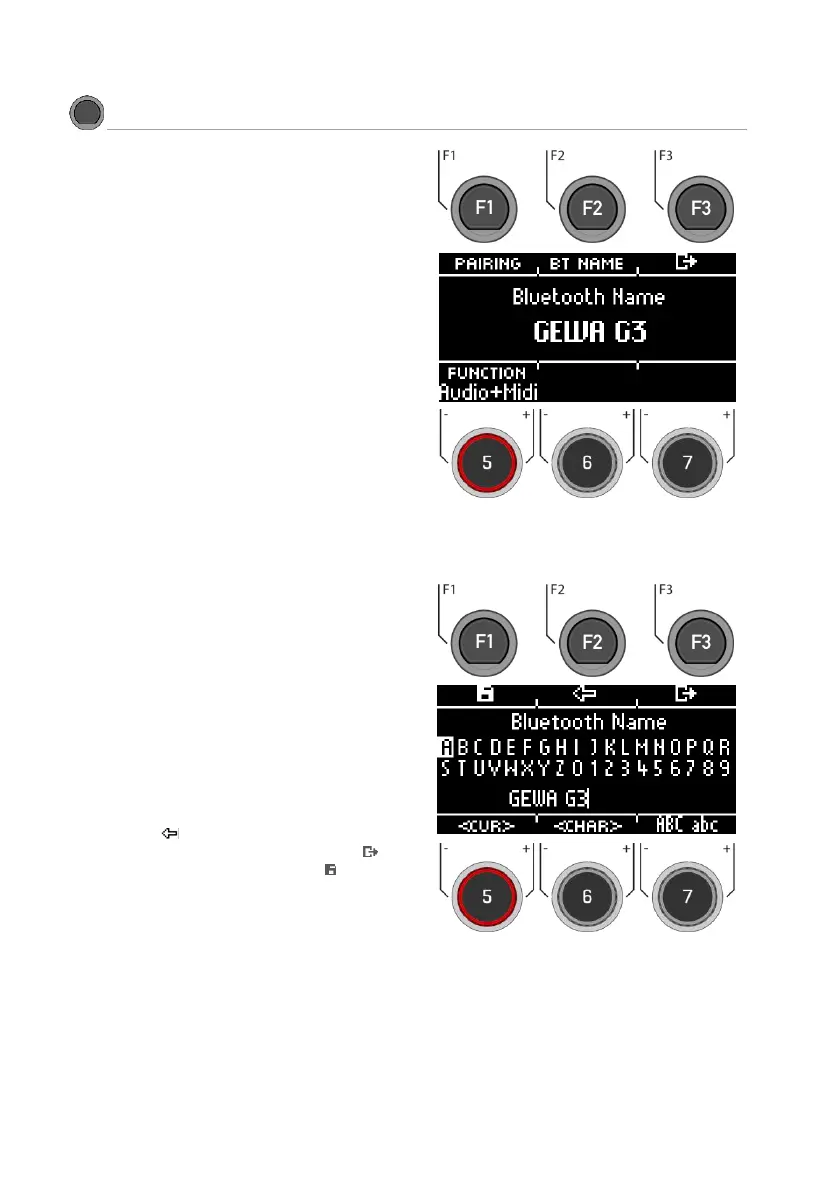
Use the navigation keys [8] or the dial [6]
<CHAR> to find the desired character.
Press [ENTER] to confirm the respective charac-
ter.
To change the cursor position, use the dial [5]
<CUR>.
Use the dial [7] ABC abc to change the upper
and lower case as well as special characters.
You can delete individual characters by press-
ing [F2]].
You can cancel at any time by pressing [F3].
Save the Bluetooth name under [F1].



 To Next Page