124 |G3 – Owner’s Manual
13 UPDATE
GEWA is constantly working on updates to give you the most enjoyment out of your instrument in the future.
Under [MENU] SETUP INFO you will find the version and serial number of your G3 module.
Updated files can be found at: www.gewadrums.com/service
Follow the installation steps from the website and load the update into the root directory of your USB-stick.
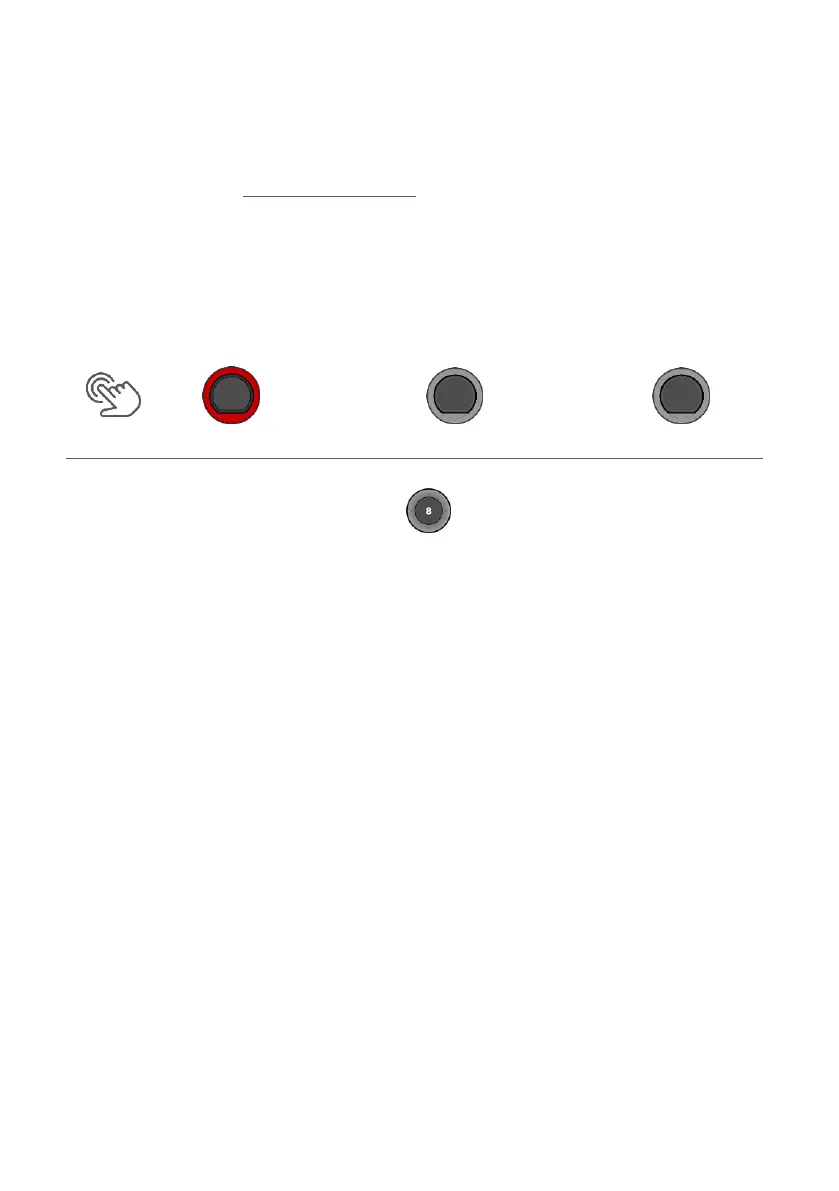
1. Insert the USB stick and switch on the device. Keep the [F1] and [F3] keys pressed during the booting-up
process.
1. Follow the instructions and press [ENTER].
2. After the successful update, remove the USB-stick and reboot the module.



 To Next Page