Press [MENU] [MASTER] to open the menu.
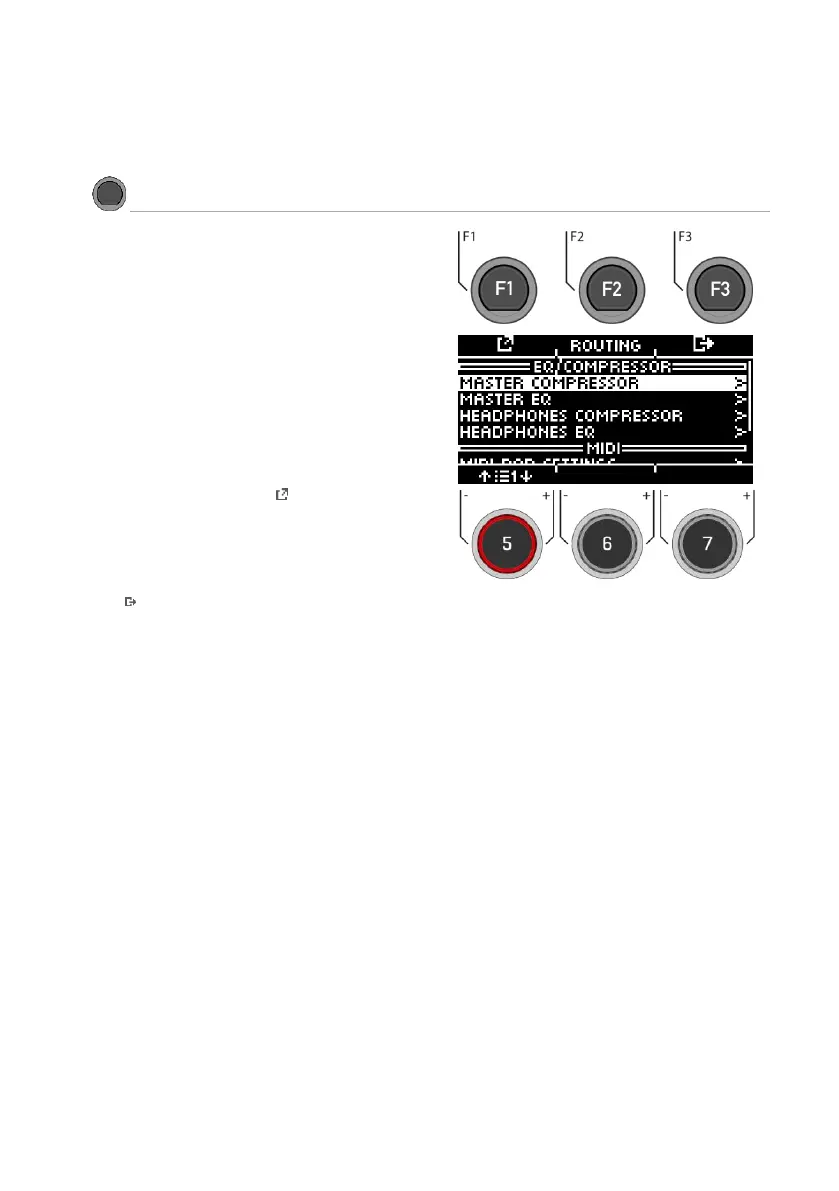
The following functions are available:
Routing
Here you can assign the inputs to your outputs.
EQ / Compressor
Global equalizer and compressor settings.
MIDI
All MIDI setting options.
Use the dial [5] or the navigation keys [8] to select a corre-
sponding list entry. By pressing [F1] or [ENTER], you can
edit the selected list entry.
To access [ROUTING] [F2], press the corresponding key.
Exiting the level
Press [F3] to exit the level or any menu key to exit the
entire menu.



 To Next Page