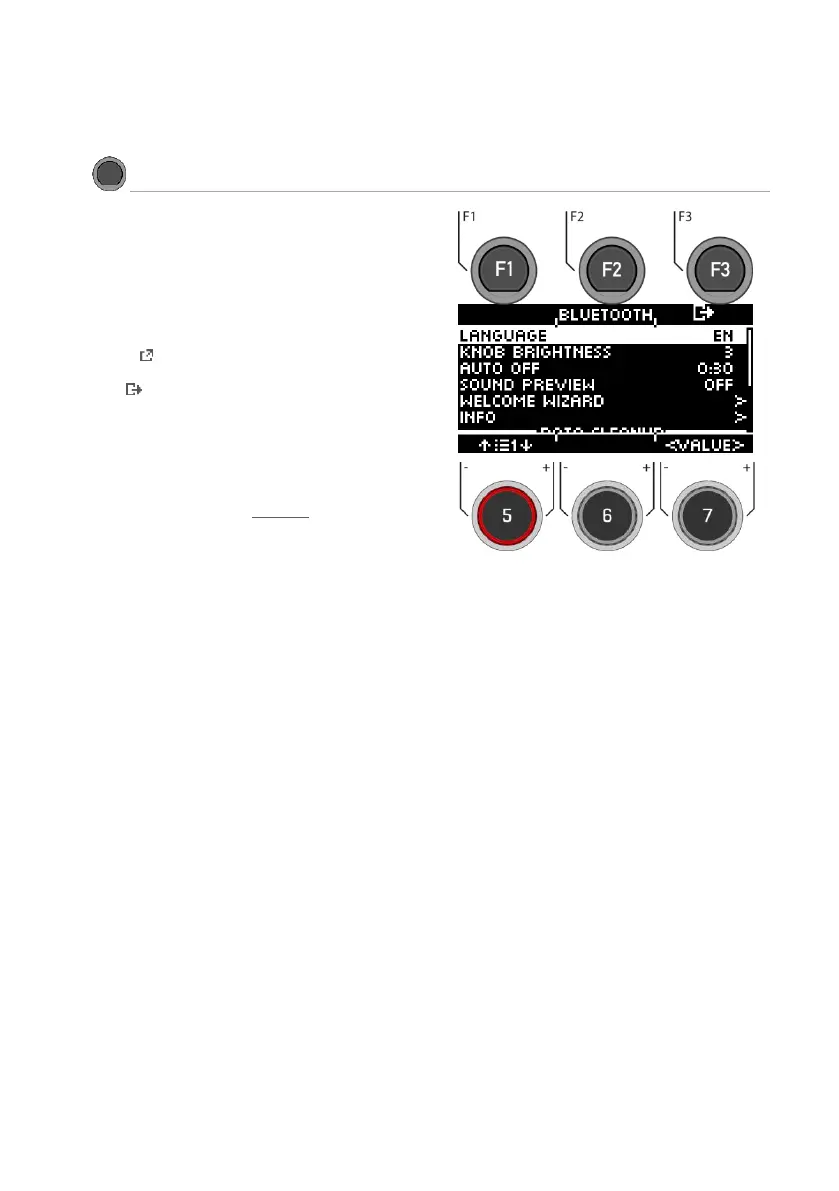
Press the [MENU] [SETUP] key to open the menu.
Use the dial [5] or the navigation keys [8] to select a corre-
sponding list entry.
Use the dial [7] [<VALUE>] or the navigation keys [8] to
adjust the values.
or press [F1] or [ENTER] to open the selected list entry.
Press [F3]to exit the level or any menu key to exit the
entire menu.
The following functions are available:
Bluetooth
To connect to a Bluetooth-enabled device.
Read the following chapter: Bluetooth



 To Next Page