Language
Choose from available menu languages.
Knob Brightness
Adjust the brightness of the LED key illumination.
Auto-Off
If the module is not used, it switches off automatically after a longer period of inactivity (factory setting). You have
the option of changing the time interval or switching off the function.
Sound Preview
ON = You can listen to the drum kits directly in the kit-list without loading them.
OFF = You need to load the drum kit first to preview it.
Welcome Wizard
Start the settings help again.
Info
All information about your software version and serial number.
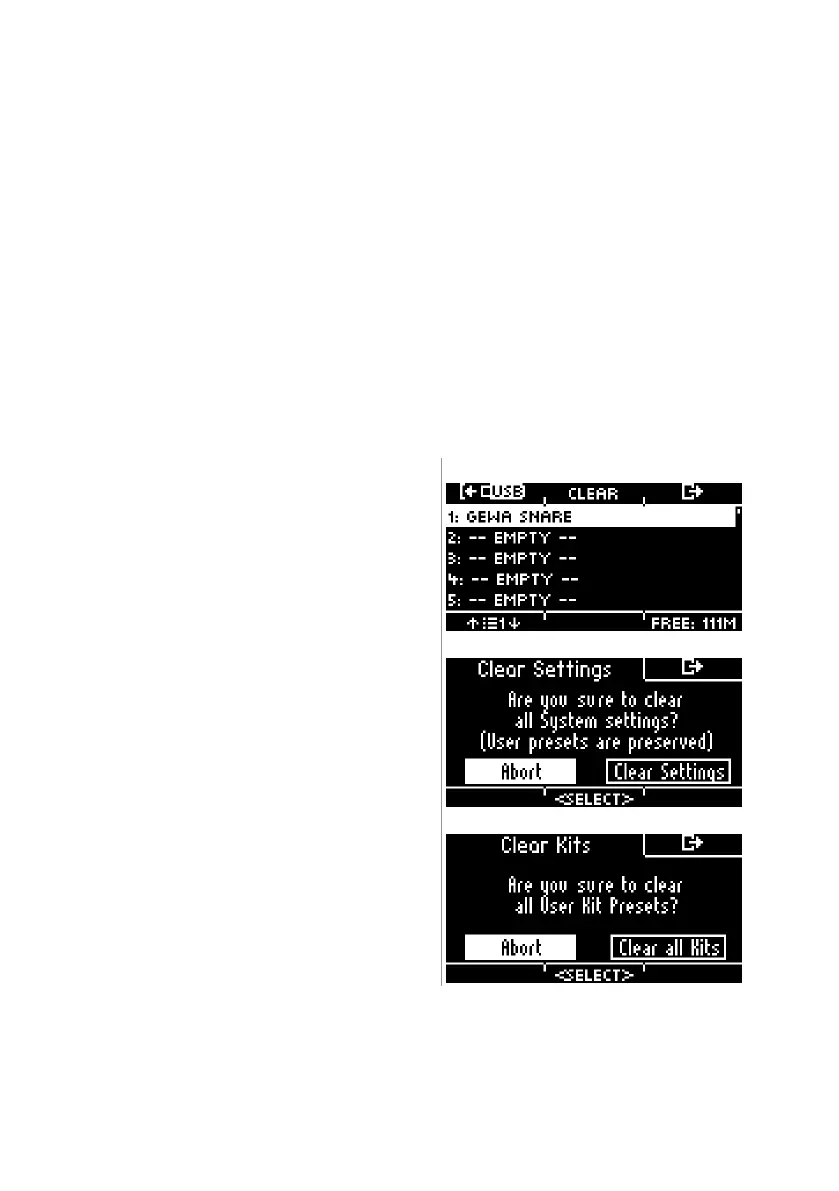
=== Data Cleanup ===
List of all options to reset the module completely or partially to the factory settings.
Clear Settings *
Resetting the system settings and all settings of the selected
kit, as well as the trigger settings. User presets are not dele-
ted!



 To Next Page