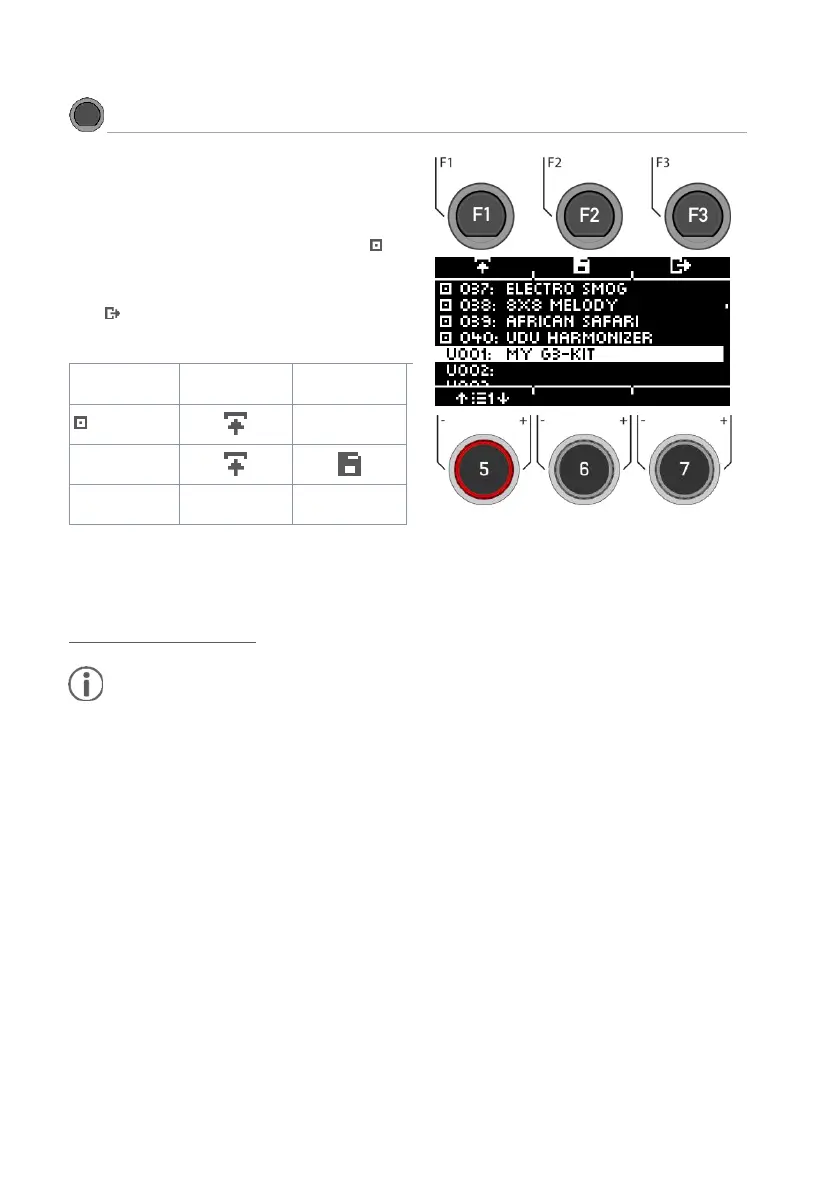
On the Home screen, you can access the entire list of drum
kits by tapping [F1] (Drum Kit). By default, the active drum
kit is highlighted in the list.
All drum kits can be managed in this window.
Presets that are factory-installed are marked with a sign.
Self-created presets are marked with a "U". Example:
"U001”
Press [F3] to exit the menu.
After loading a drum kit, you are automatically redirected to
the HOME menu.
You can find a detailed description of how to load presets,
save and overwrite at:
Loading and saving from presets.
As soon as you make changes to the settings that are not automatically saved, a [*] is displayed next to the
corresponding name to indicate this. Save your changes accordingly before (!) changing the drum kit preset.
Unsaved settings will otherwise be discarded.



 To Next Page