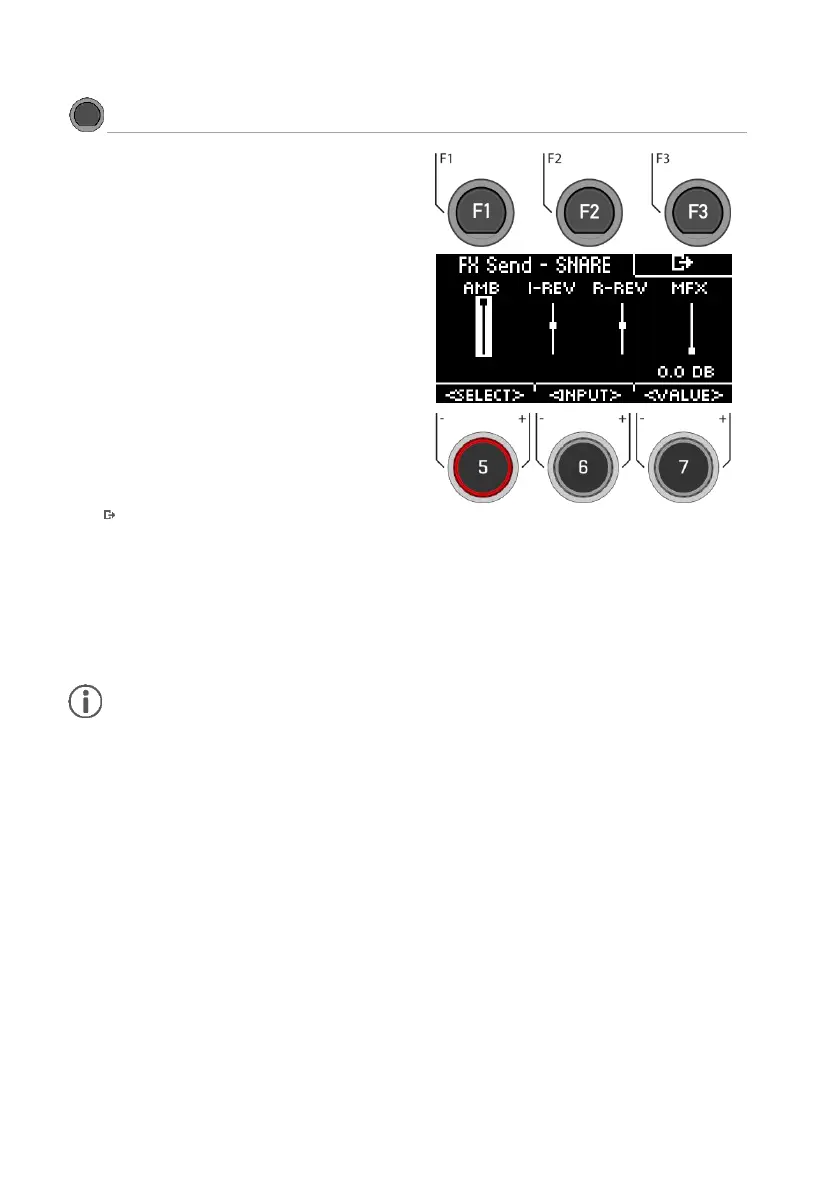
The Ambient [AMB], Instrument Reverb [I-REV], Room
Reverb [R-REV] and Multi Effects [MFX] controls allow you
to mix the individual effects.
The effect is only applied to the selected input. The global
change can be found under
[MENU] [F2] “MIX“.
Use the dial [5] [<SELECT>] or the navigation keys [8] to
select the effect to be applied to your drum sound. The
fader channel is displayed inverted.
Use the dial [7] [<VALUE>] or the navigation keys [8] to
change the strength of the effect.
If you want to apply the effects to other drum sounds in this
menu, use the dial [6] [<INPUT>] to switch the different
input channels and components.
Press [F3] to exit the level or any menu key to exit the
entire menu.
As soon as you make changes to the settings that are not automatically saved, a [*] is displayed next to the
corresponding name to indicate this. Save your changes accordingly before (!) changing the drum kit preset.
Unsaved settings will otherwise be discarded.



 To Next Page