G3 – Owner‘s Manual | 69
11.1.2 HI-HAT VOLUME
MENU [F2] [F1] [F1]
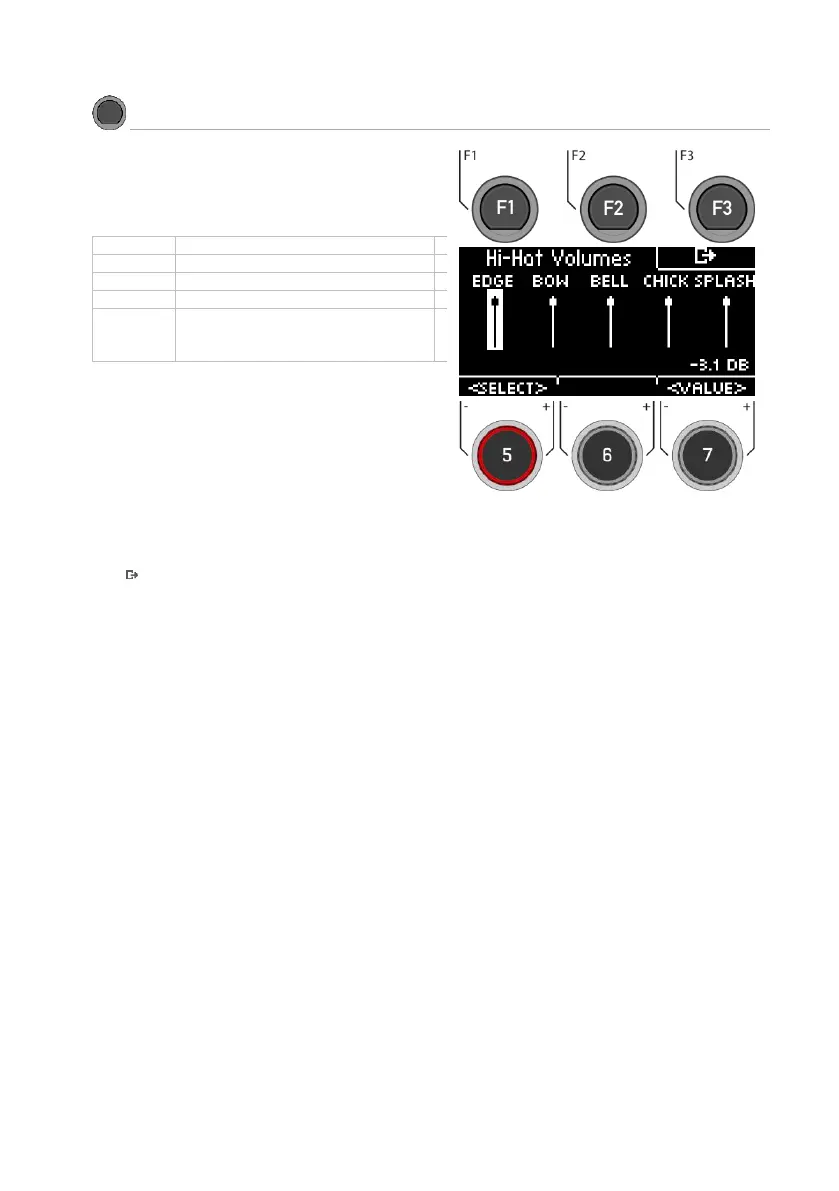
In the [HIHAT VOL] menu you will find the
volume settings for the Hi-Hat.
The following are available for selection:
Generation of a cymbal sound
by striking the Hi-Hat quickly with
the foot.
Erzeugung eine Beckeklangs
durch schnelles Anschlagen der
Hi-Hat mit dem Fuß.
Select zone
Use the dial [5] [<SELECT>] or the navigation keys [8] to
select the channel you want to change the volume of.
Change volume
Use the dial [7] [<VALUE>] or the navigation keys [8] to
change the volume.
Exit the level
Press [F3] to exit the level or any menu key to exit the
entire menu.



 To Next Page