G3 – Owner‘s Manual | 27
6.2 TRIGGER SETUP
Your GEWA Drum Console provides trigger presets for different available pad configurations. If you have purchased
your G3 with a prepacked pad configuration, choose one of the following setups for satisfactory trigger performance:
GEWA G3 STUDIO
GEWA G5 STUDIO I GEWA G5 PRO
Should you use the G3 or G5 module with the pad-configurations of the G9, then please select one of the following
trigger presets:
GEWA G9 STUDIO | GEWA G9 PRO 5 | GEWA G9 PRO 6
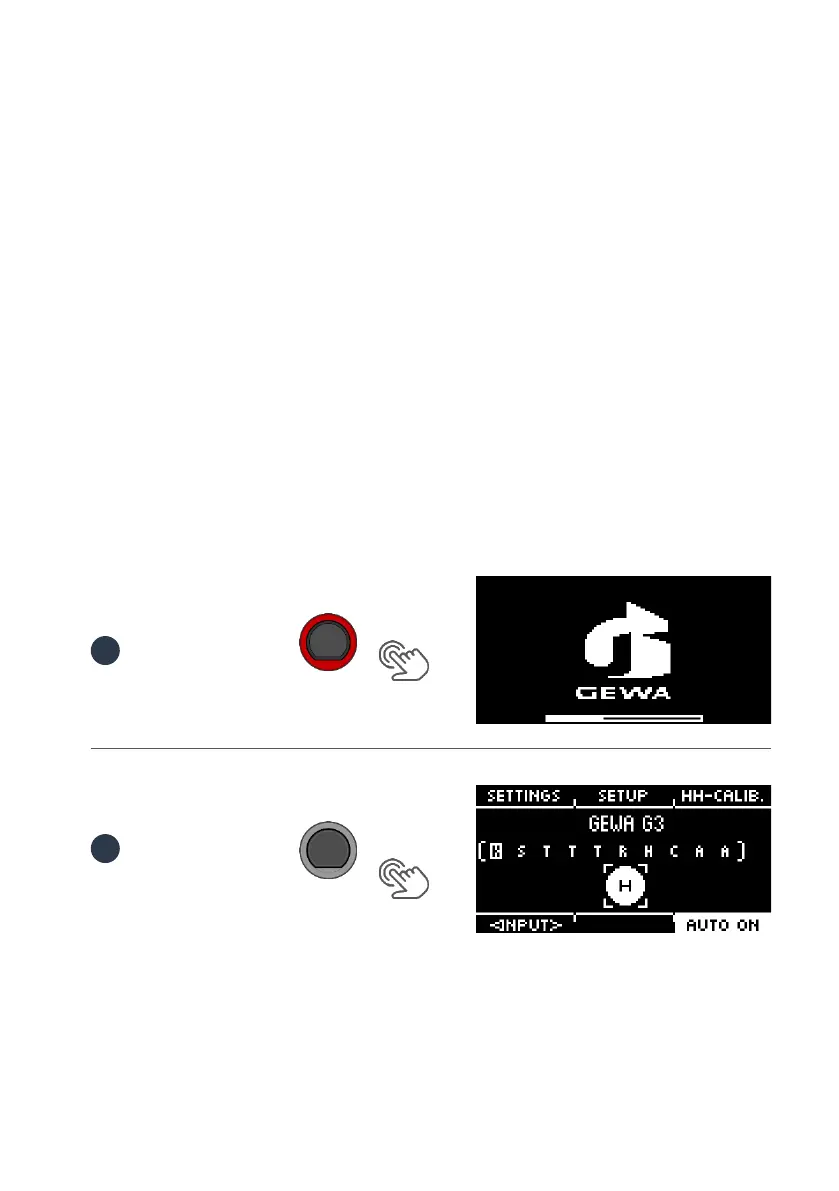
Observing the safety instructions of the Quick Start or operating instructions, proceed as follows:
Turn on the power by pressing the [POWER] [P] button.
Press the button [TRIGGER SET.].



 To Next Page