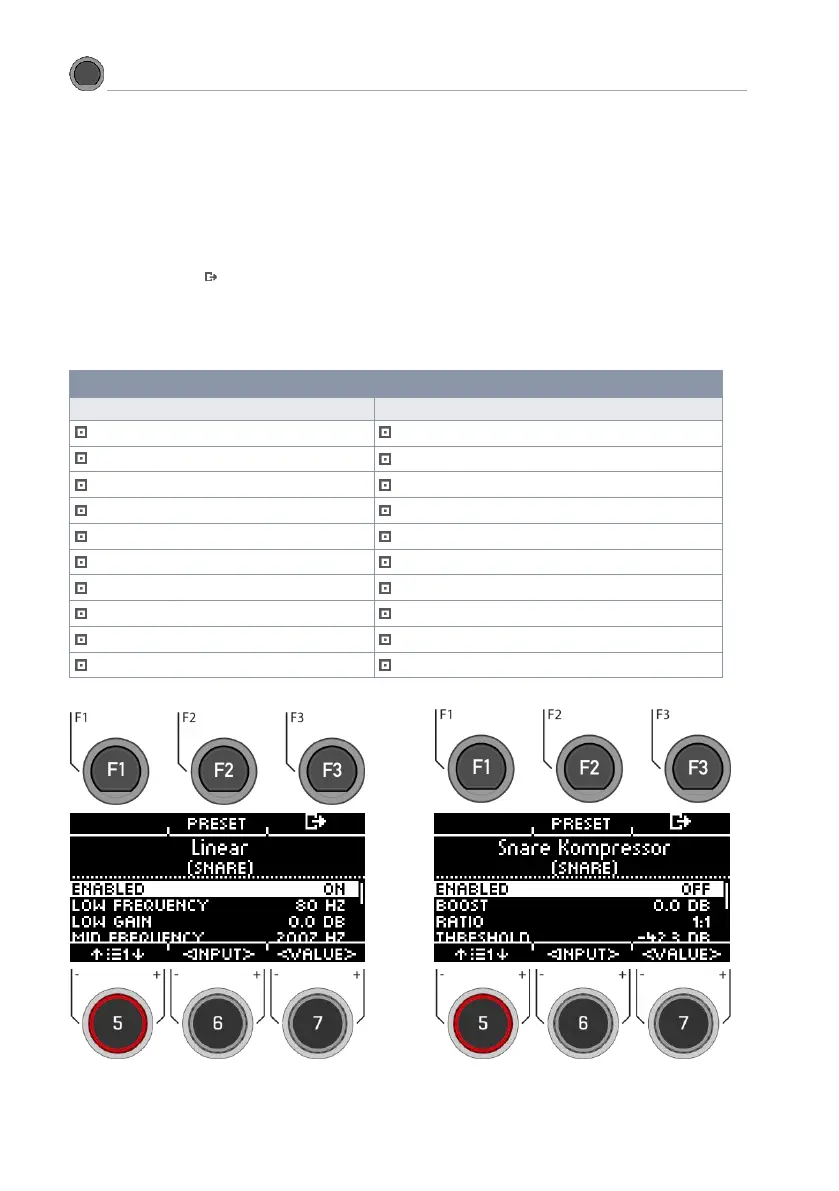
The G3 offers a selection of presets to improve your sound, even without a sound engineering background. Load a
preset [F2] and observe how it affects the sound.
To change individual parameters, select the corresponding menu item from the list with the dial [5] or the naviga-
tion keys [8].
Change the value according to your wishes with the dial [7] or the navigation keys [8].
You can select the inputs with the dial [6].
To exit the menu, press [F3].
Note that all values are only temporarily saved immediately after they are changed. If you want to finally apply the
changes, save your drum kit preset.



 To Next Page