Via [FX Send], you can specifically assign the effect to each
channel.
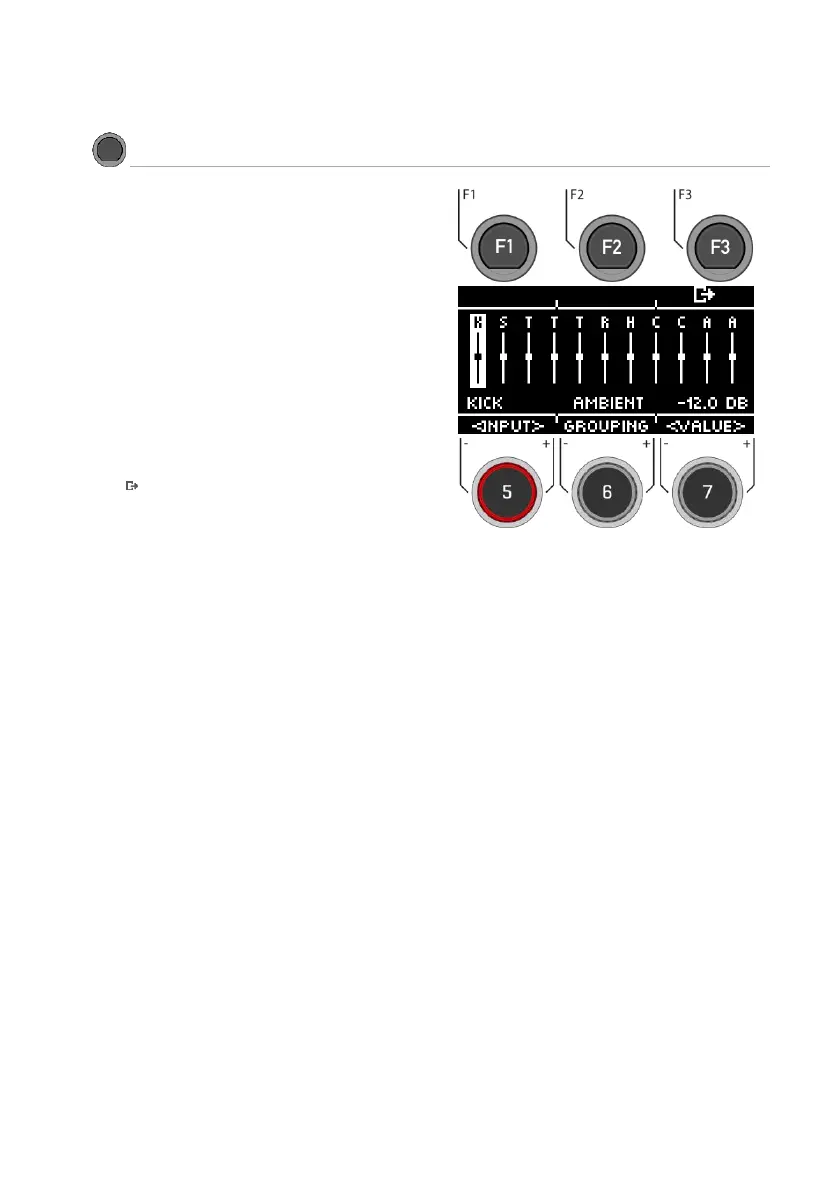
Select channel
Use the dial [5] [<INPUT>] or the navigation keys [8] to
select the channel you want to change the volume of.
Change volume
Turn dial [7] [<VALUE>] or press navigation key [8] to
change the volume.
Grouping
Turn the dial [6] and activate the GROUPING function. Now
you have the possibility, when selecting the tom and cymbal
channels, to adjust them up or down as one unit.
Exit the level
Press [F3] to exit the level or any menu key to exit the
entire menu.



 To Next Page