Installation
2
2-2 Gilson GX-271 Liquid Handler User’s Guide
Locator Plate Setup
Locator Plate Setup
The locator plate and accessories should be set up and installed in the order shown below.
1 GX Direct Injection Module Installation (Optional)
2 Locator Pan Installation
3 Rinse Station Installation
4 Tray Insert Installation
5 GX Solvent System Installation (Optional)
6 GX Rinse Pump Installation (Optional)
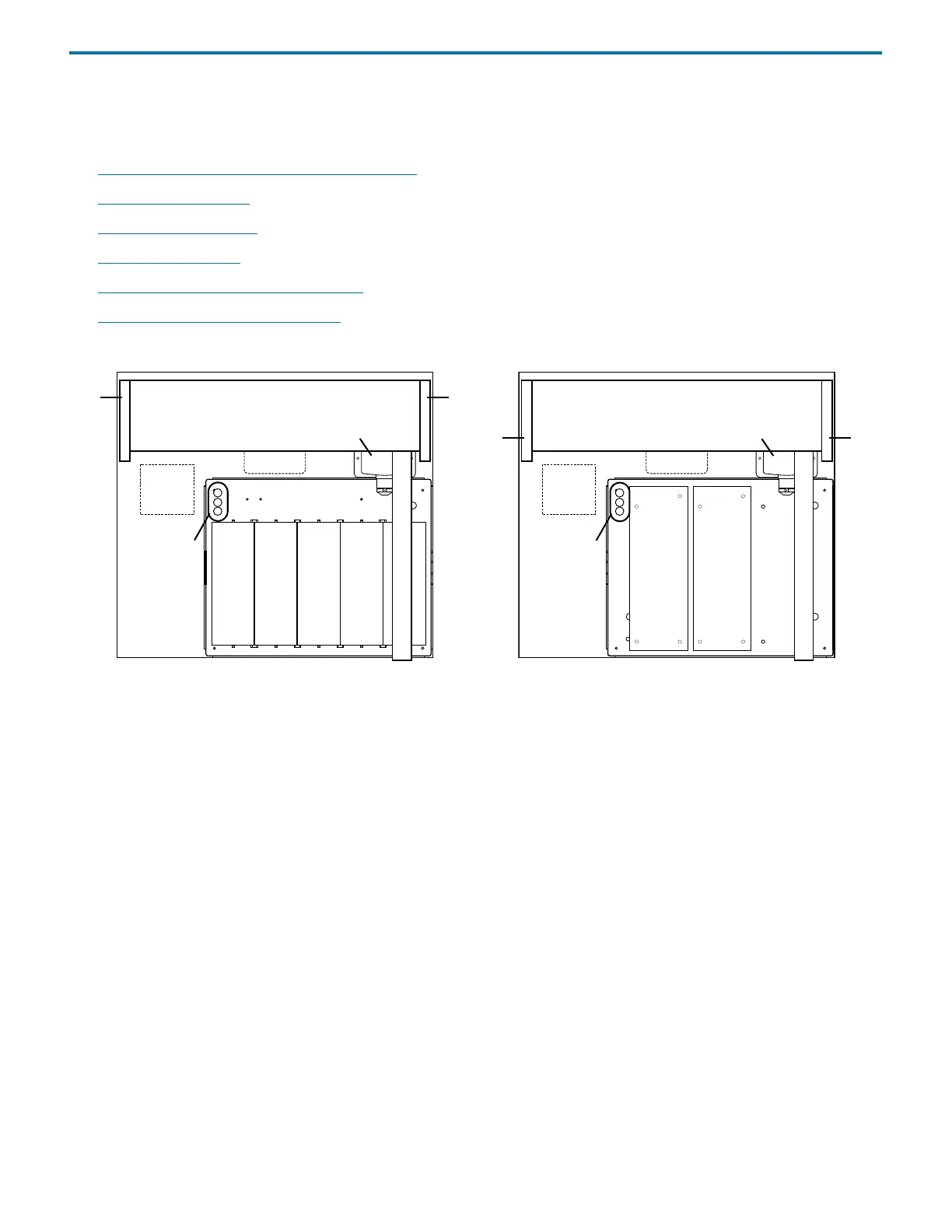
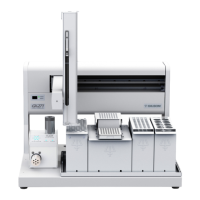
The following diagrams show the location of the tray insert and accessories on the locator plate of the liquid handler.
Figure 2-2: Locator Plate of the GX-271
with Code 20-Series Tray Insert Installed
Figure 2-3: Locator Plate of the GX-271
with Code 200-Series Tray Insert Installed
System
GX Rinse
rinse stations
left
support
Pump
Injection
GX Direct
Module
locator plate
GX
Solvent
right
support
System
GX Rinse
rinse stations
left
support
Pump
Injection
GX Direct
Module
locator plate
GX
Solvent
right
support



 To Next Page