Gilson GX-271 Liquid Handler User’s Guide 2-7
Installation
2
Locator Plate Setup
Tray Insert Installation
A tray insert is used to position the racks and the rinse stations on the instrument. There are two inserts available
(ordered separately) depending on the type of racks that will be used.
• Insert for five Code 20-series racks (part number 26041033)
The Code 20-series tray insert is used for Code 20-series and Code 33X/34X-series racks.
• Insert for three Code 200-series racks (part number 26041035)
The Code 200-series tray insert is used for Code 200-series and Code 300-series racks.
Tray Insert Identification
In the center of each tray insert there are holes used to identify the insert. The number of holes depends on the part number of
the insert. Refer to the table below for more information.
To install the tray insert on the locator pan of the liquid handler:
1 Make sure that the rinse stations (or the holes for the rinse stations) are located at the left rear of the tray insert.
Note: The rinse stations should be installed before installing the tray insert on the locator pan. Refer to page 2-5
for more
information on installing the rinse stations.
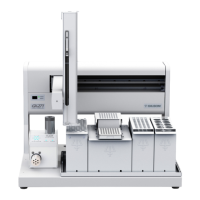
2 Place the tray insert in the locator pan on the locator plate of the instrument. The holes on the pan insert should line up with
the posts on the locator pan.
Part Number Description Holes in Insert
26041033 Insert for Code 20-series racks 3
26041035 Insert for Code 200-series racks 5



 To Next Page