ital TV Receiver
16
GDR11 Digital TV receiver
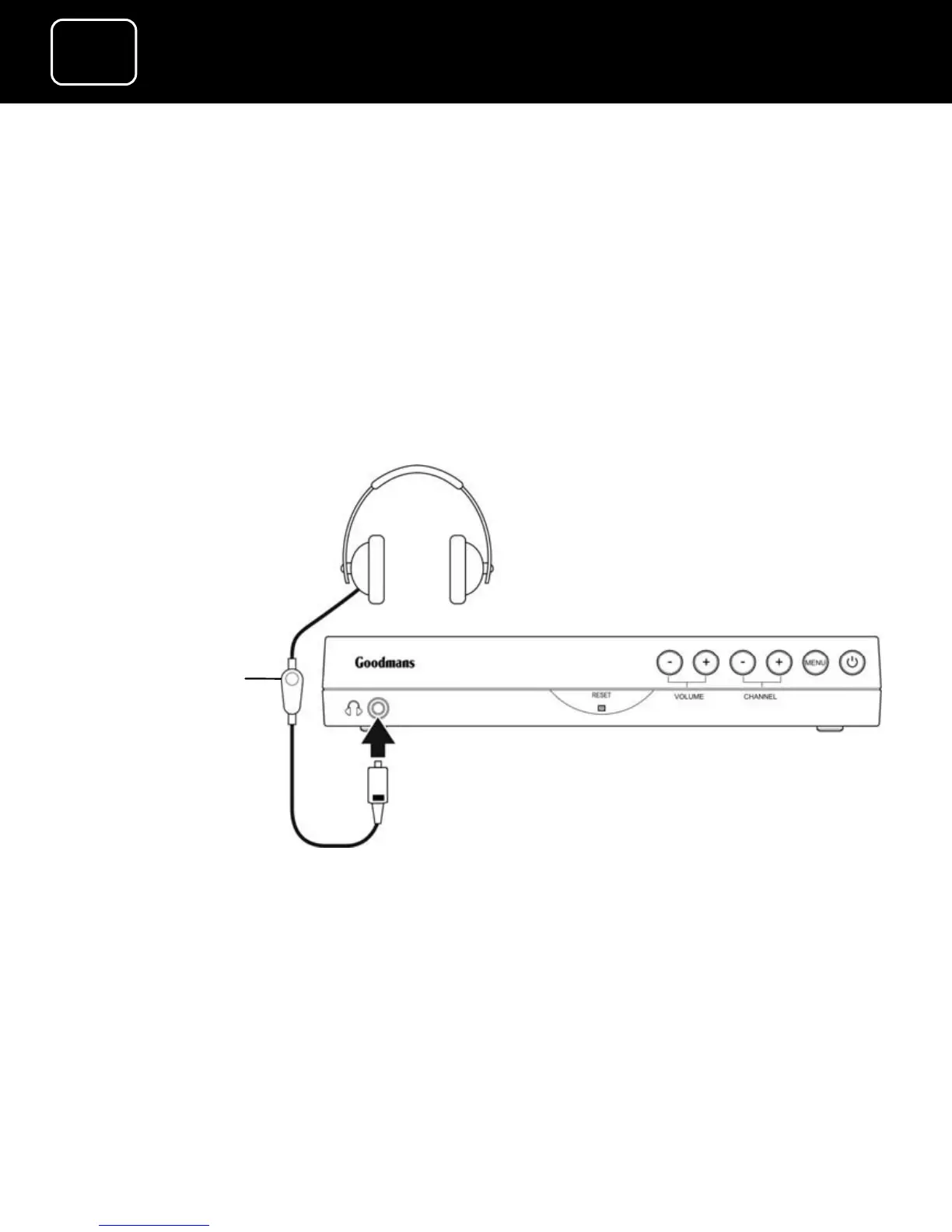
How to connect headphones to the receiver
1 Connect a 3.5 millimetre plug (this is usually the same width as
a normal headphones plug) from your headphones to the
headphone socket on the front panel of the receiver.
You can change the volume on the receiver using the remote
control (see page 6) or the in-line volume control on your
headphones (see the diagram
below).
In-line
volume
control
(if this is fitted
to your
headphones)



 To Next Page