ital TV Receiver
72
GDR11 Digital TV receiver
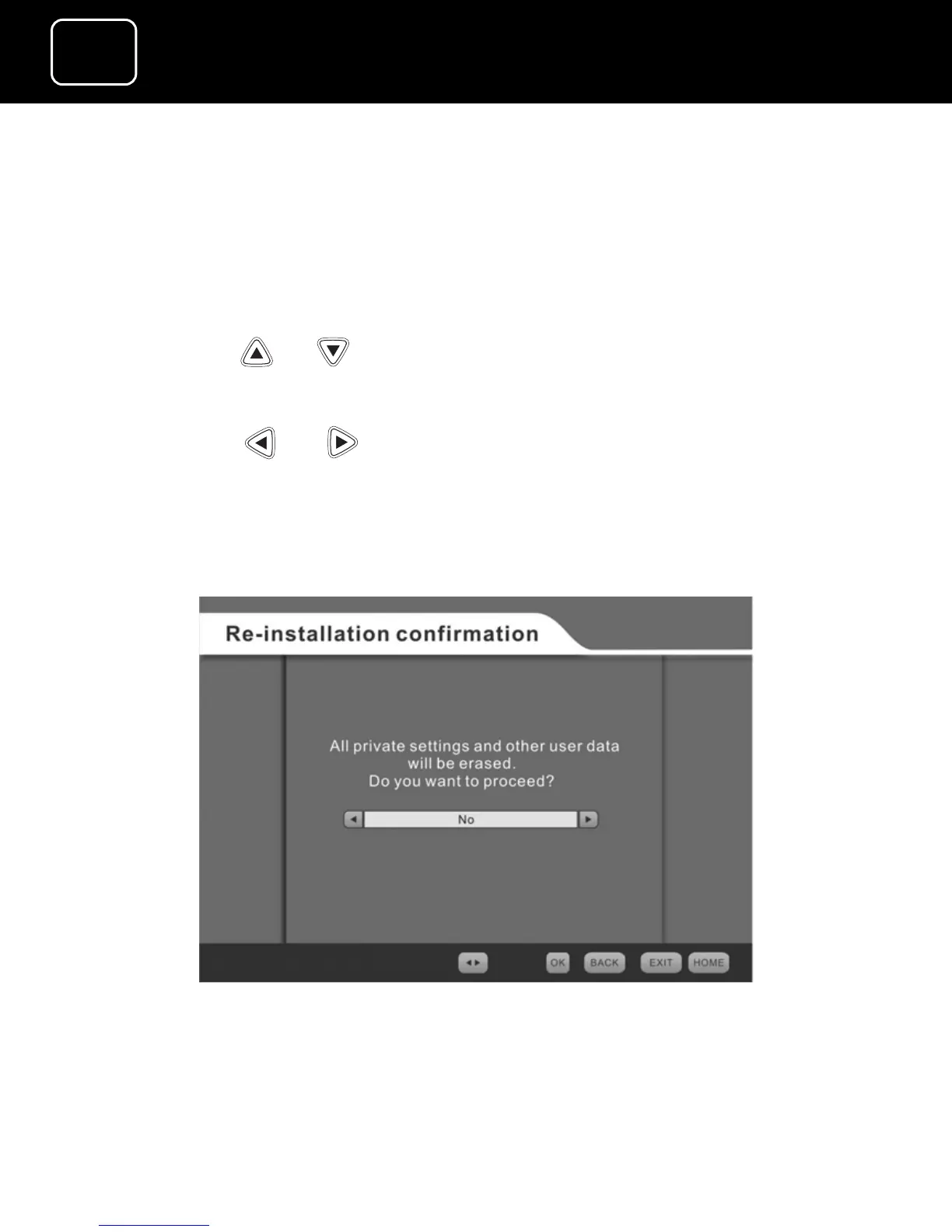
Factory settings
The factory settings menu lets you change the receiver’s settings
back to the original factory settings (see page 69 to select the
factory setting screen).
1 Using the or buttons, selecting ‘Factory settings’.
2 Press the ‘OK’ button.
3 Using the or buttons, select ‘Yes’.
4 Press the ‘OK’ button. The receiver will reset and the welcome
screen will be displayed.
5 You will need to install channels as described on page 27.
The factory settings screen



 To Next Page