31
GDR11 Digital TV receiver
The way you can choose channels depends on other settings, such
as if you have set your favourite channels or locked certain channels
(see page 49 for more information).
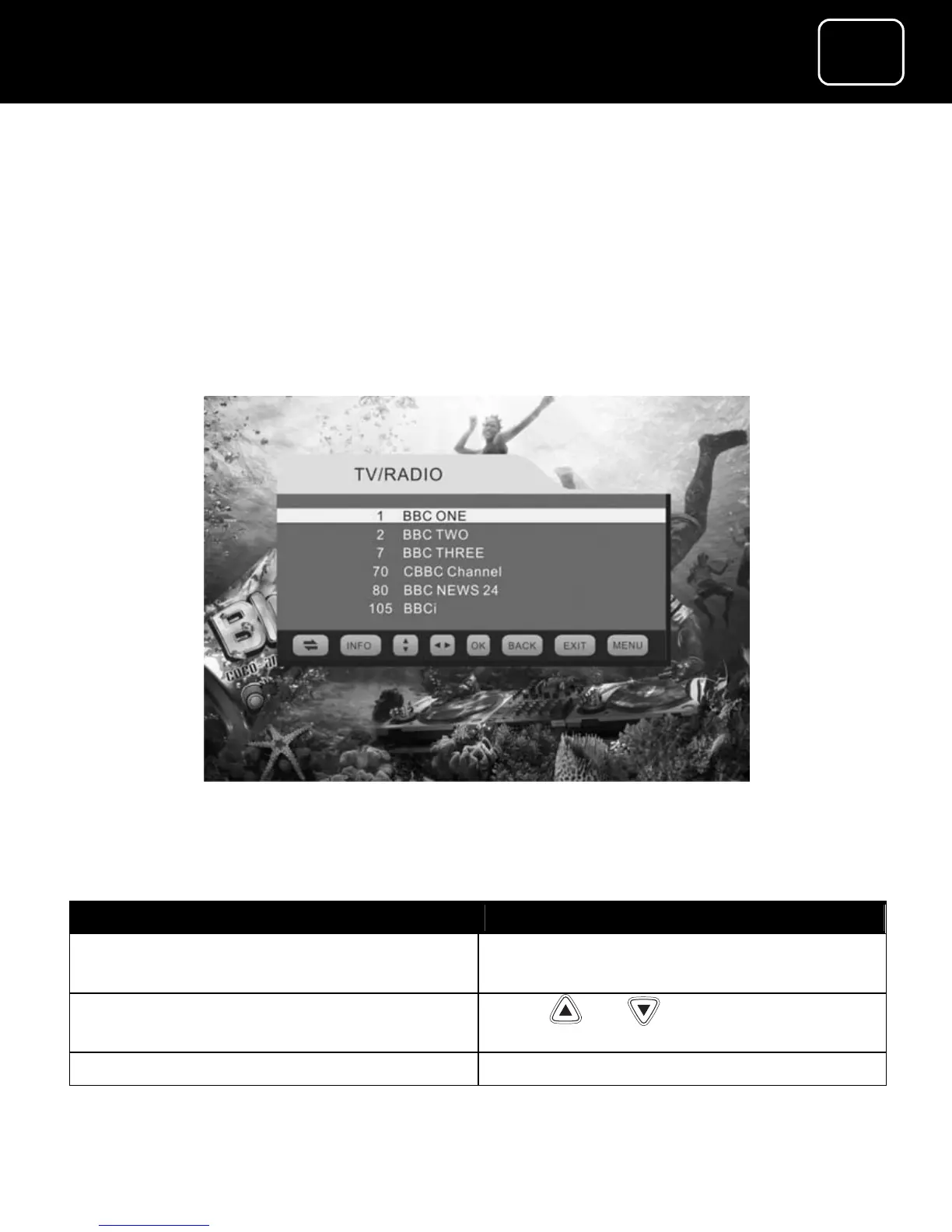
How to use the channel list
The channel list displays all your available channels.
The channel list display
What do you want to do? You need to press this button
Go to the channel list while you are
watching TV
Press ‘OK’
Select the channel you want Press or while on the
channel list
View a channel Press ‘OK’ while on the channel list


 To Next Page