ital TV Receiver
46
GDR11 Digital TV receiver
How to create a favourite list
This menu lets you create your own (favourite) channel list.
1 Select the ‘Create a favourite list’ option from the favourite list
menu (see page 45) by pressing the ‘OK’ button.
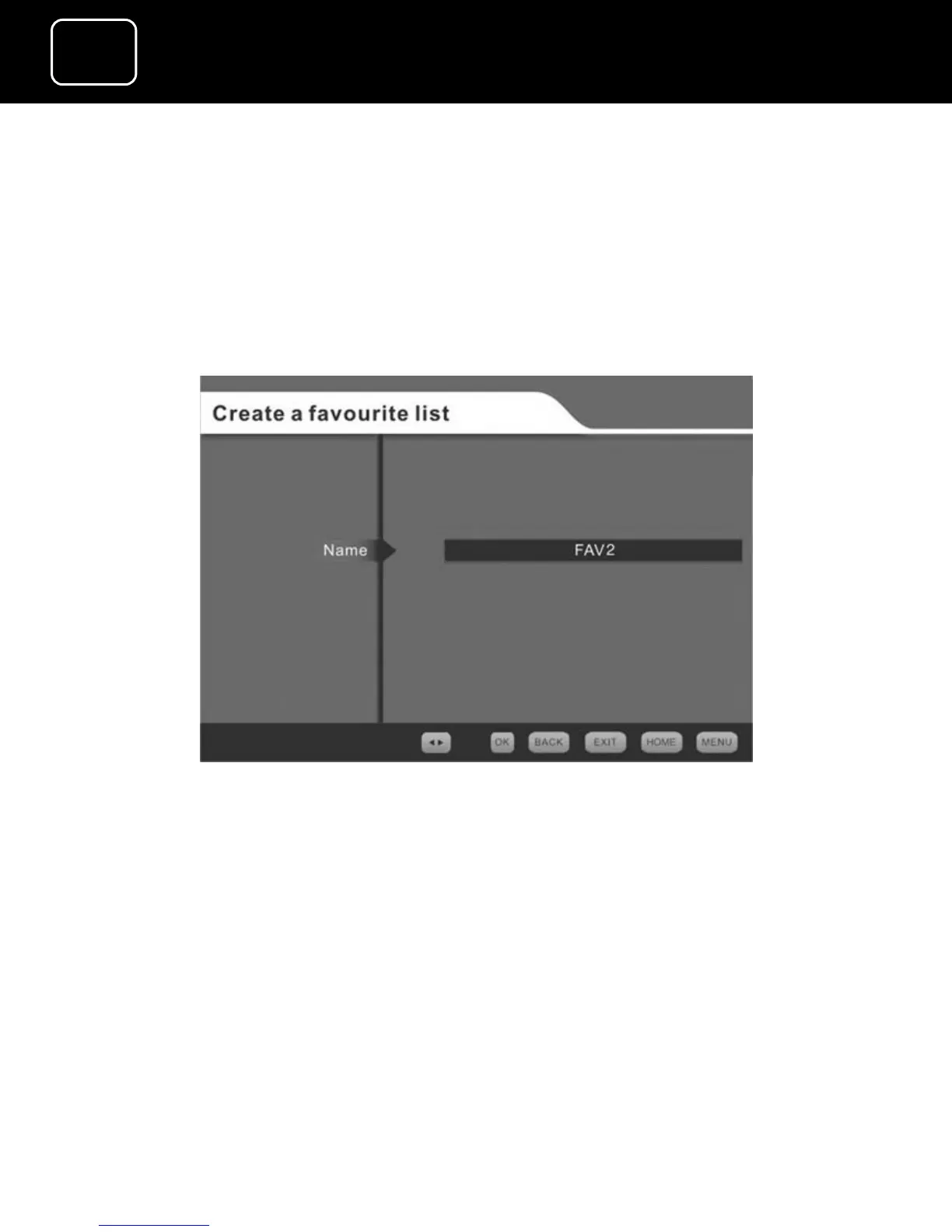
2 You will see a new screen (1).
Create a favourite list screen (1)
You have a choice of two titles for your favourite channels list,
either ‘FAV1’ or ‘FAV2’. You cannot change the names of these lists.
You can now compose a list of your favourite channels from the
either TV or radio channels in your channel list.
3 Press the ‘OK’ button and you will see the screen on the next
page.



 To Next Page