47
GDR11 Digital TV receiver
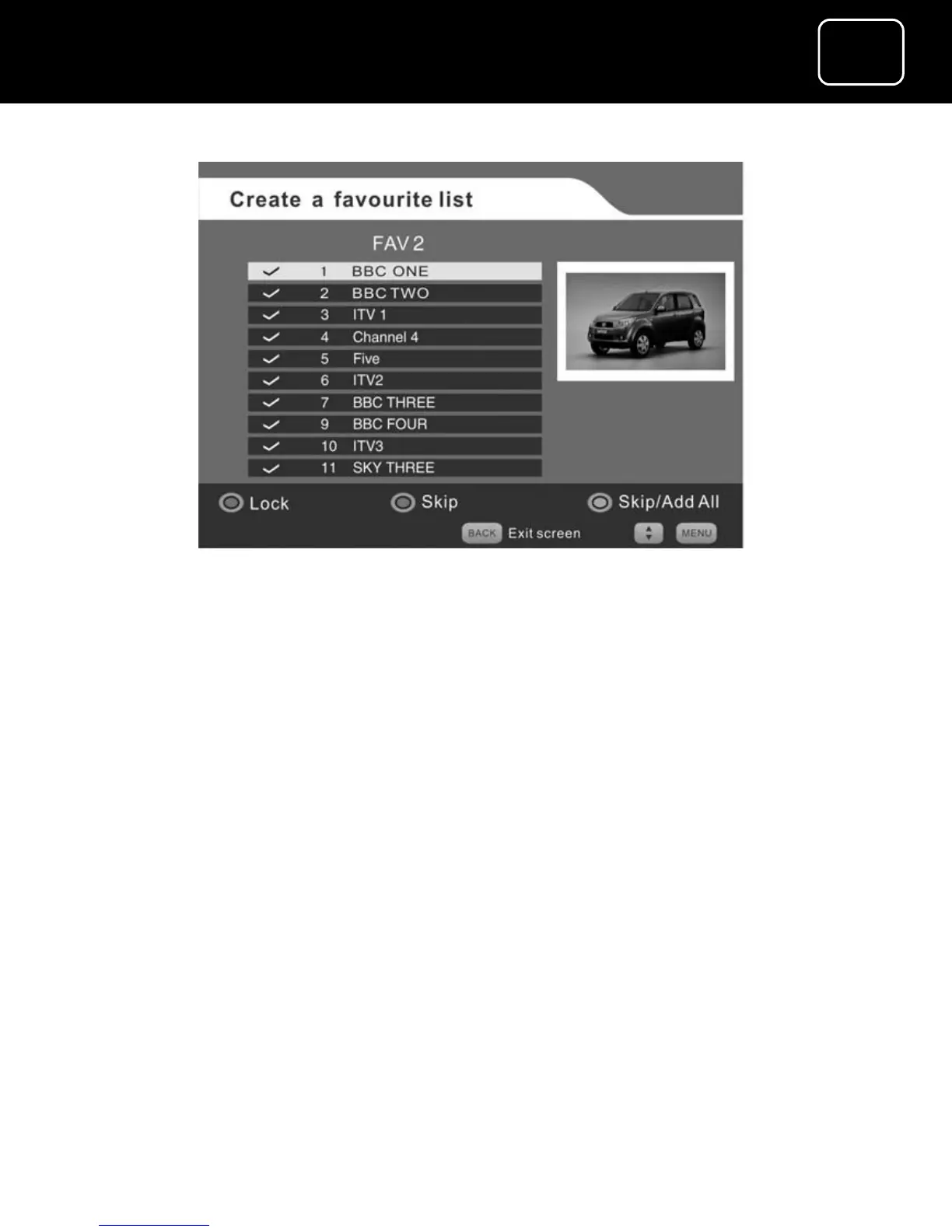
Create a favourite list’ screen (2)
The tick symbol on the left-hand side of the channel description
means that the channel is selected to be in your favourite channels
list. When you first set up your favourite channels, all your available
channels will be ticked automatically.
You can create your favourite list in two ways.
1 You can create a favourite list by removing each channel from
the screen 2 list that you do not want. Do this by pressing the
green button on your remote after selecting the channel you
don’t want. This method is best when you want most of the
available channels in your list but just want to remove a small
number of channels.



 To Next Page