75
GDR11 Digital TV receiver
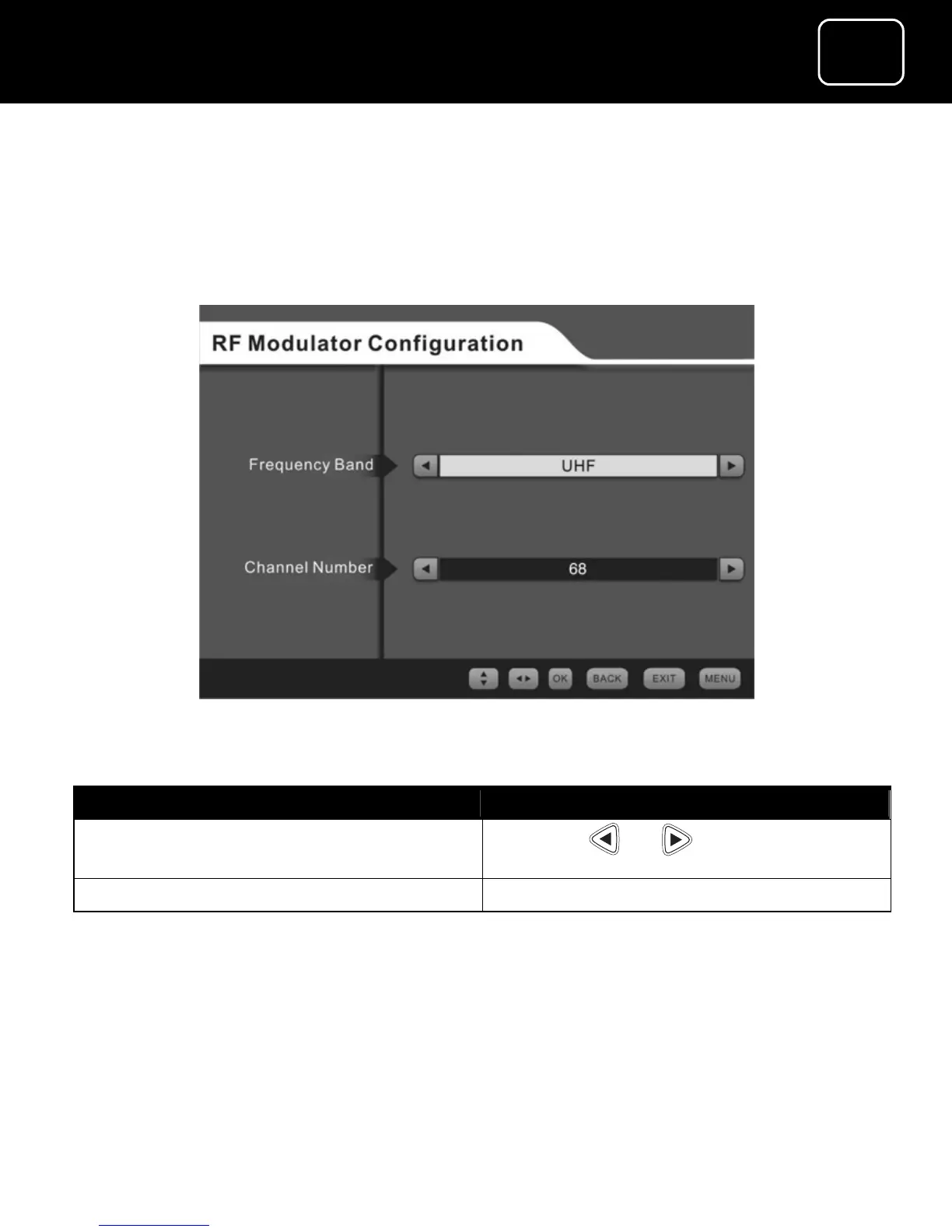
The RF modulator configuration menu
This menu lets you choose the RF frequency and channel number for
connection option 2 (see page 15).
The RF modulator configuration display
To Which button do I press:
Select the channel number for
your video or DVD player
Press the or button
Confirm the menu option Press ‘OK’
You now need to go to your TV instruction manual, and scan the TV
until the welcome screen appears (see page 20).



 To Next Page