39
GDR11 Digital TV receiver
How to use teletext
Many digital TV channels provide teletext. Teletext is pages of
Information about programmes and other topics like the weather,
news, holidays and shopping.
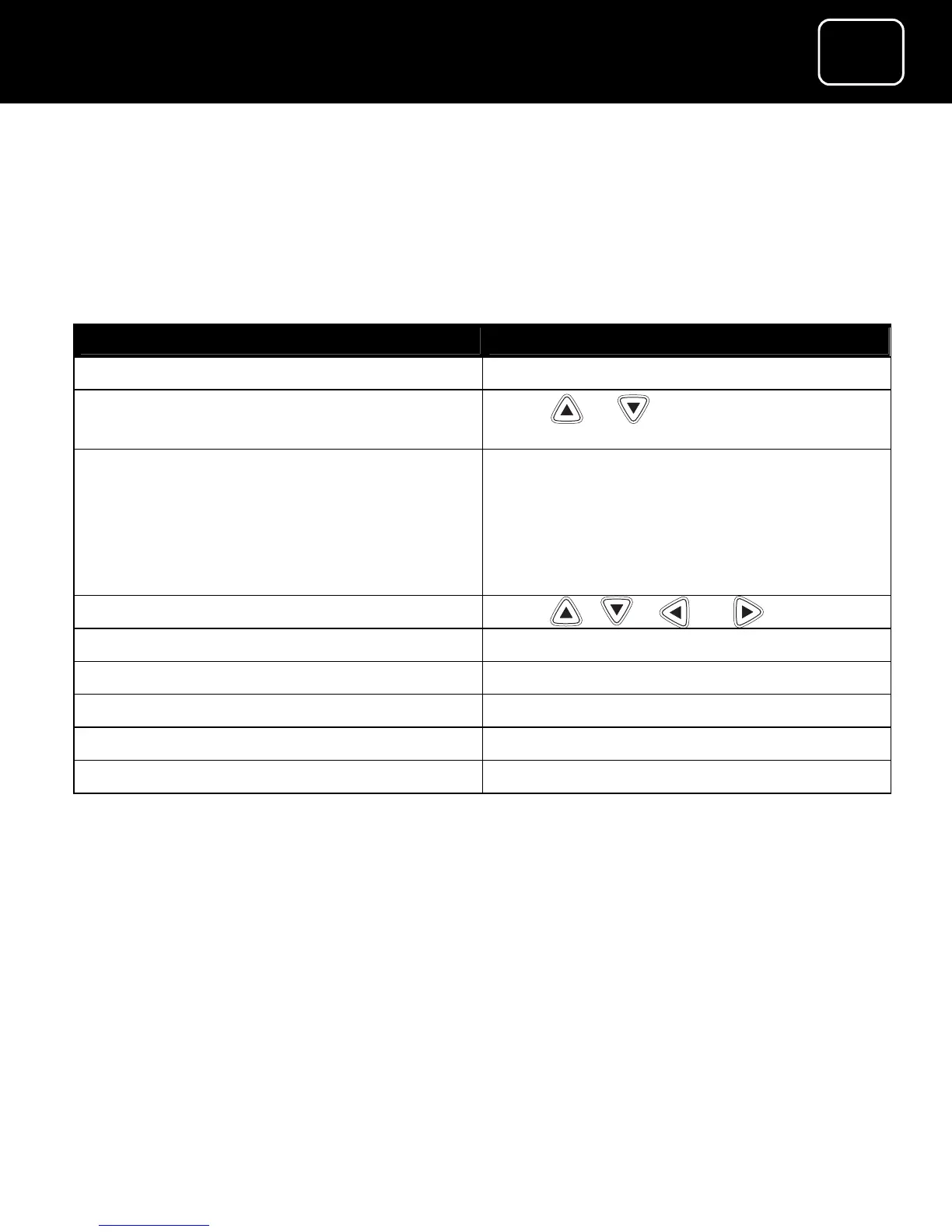
What do you want to do? Press this button
Go to the teletext main menu Press ‘text’
Select the topic you want (such as
‘holidays’ or ‘weather’)
Press or
Confirm the topic you want Press ‘OK’ after selecting the topic
you want or press numbers 0 to 9
(as shown on the teletext channel
list, for example ‘1’ could be
‘weather’)
Move around the topic pages Press , , or
Go to the teletext shortcuts menu Press the green button
Go to the main teletext index menu Press the blue button
Go back to previous teletext screen Press the yellow button
Go back to the teletext main menu Press the red button
Turn off teletext Press ‘text’ or ‘exit’



 To Next Page