65
GDR11 Digital TV receiver
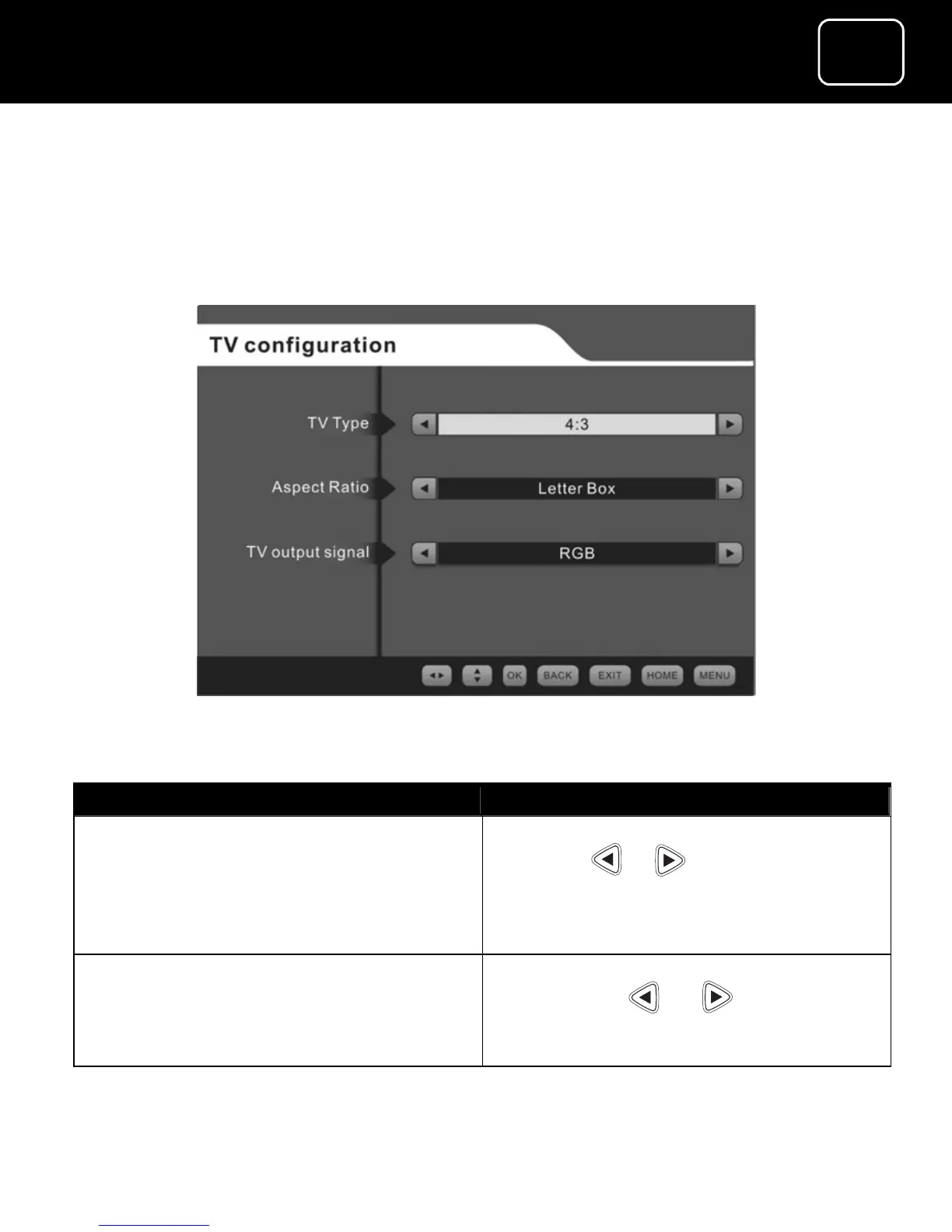
The TV configuration menu
This menu lets you change selected TV configuration (setting) for
your receiver.
The TV configuration screen
What do you want to do? Press this button.
Change the TV format Select the screen type you want by
using the or button
(You can change between 4:3
compromise and 16:9 widescreen
types.)
Change the aspect ratios
(these are only available for 4:3
TV format)
Select the aspect ratios you want by
pressing the or buttons
(You can choose between ‘letter
box’ ‘compromise’ or ‘cut out’.)



 To Next Page