ital TV Receiver
78
GDR11 Digital TV receiver
The factory setting for the parental control PIN (personal
identification number) is 0000.
You should change this PIN. When you do, remember the code or
keep it written down somewhere safe.
How to reset the parental control PIN
To reset the parental control PIN, press the blue, green, red and
yellow buttons twice, quickly, one after the other. (So, press the
blue button twice, then the green button twice, and so on.)
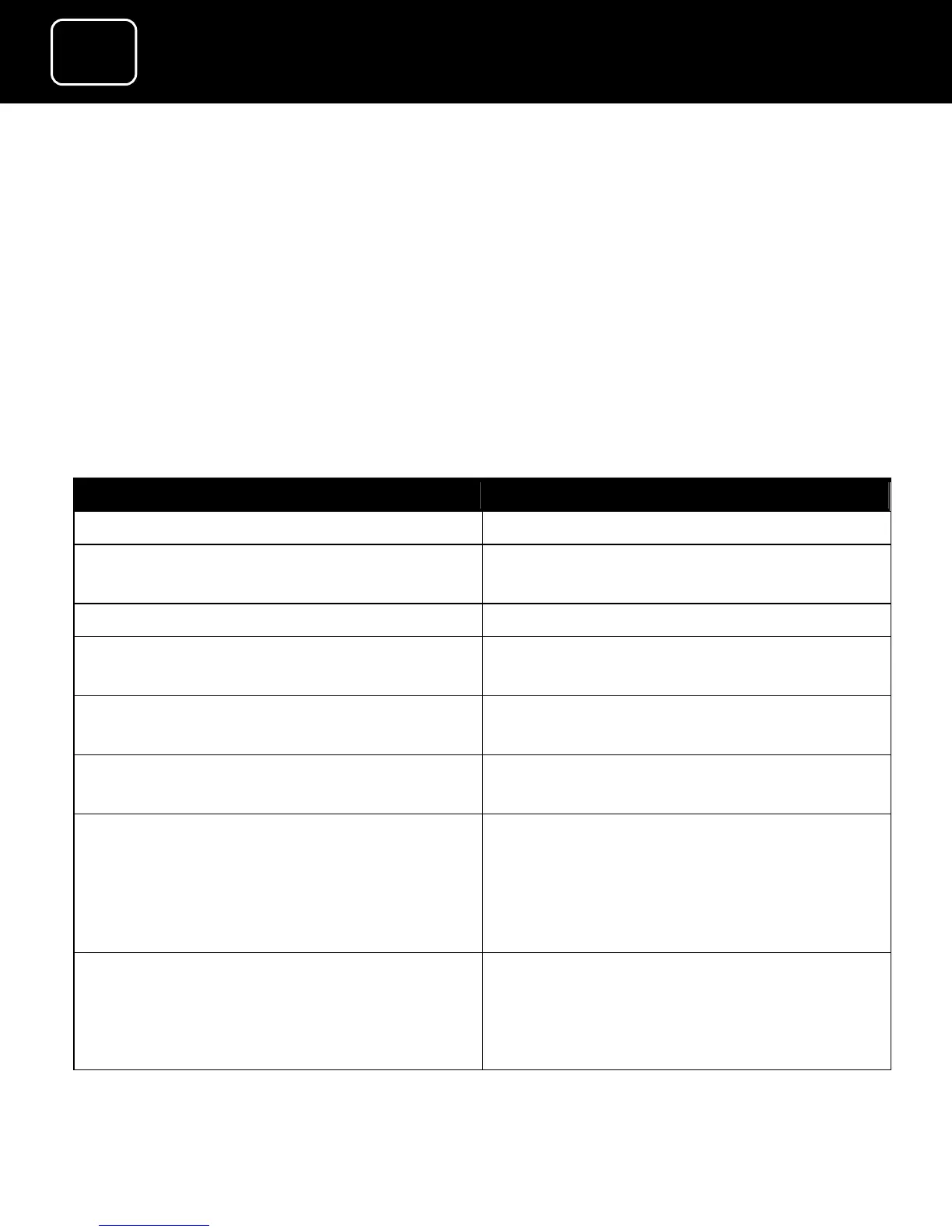
What do you want to do? Press this button
Turn parental controls off
(Display 1 is seen and no further
options are available)
Turn parental controls on
Confirm if you want to lock the
receiver
Use the left or right arrow to choose
‘Yes’ or ‘No’
Confirm if you want to lock the
menu
Use the left or right arrow to choose
‘Yes’ or ‘No’
Confirm if you want to lock the
channel
Use the left or right arrow to choose
‘Yes’ or ‘No’
Confirm if you want to set the
maturity level
Press the left or right arrow to
choose between ‘none’ (meaning
people of any age can watch these
channels) up to ‘18’ (meaning only
adults can watch these channels)
Change the pin code Select ‘Code change’ and press ‘OK’
(When you press ‘OK’, you will see
PIN code change screen (see ‘Display
2’ on page 76).



 To Next Page