ital TV Receiver
56
GDR11 Digital TV receiver
How to delete a favourite list
This menu lets you delete the favourite channel lists that you have
created.
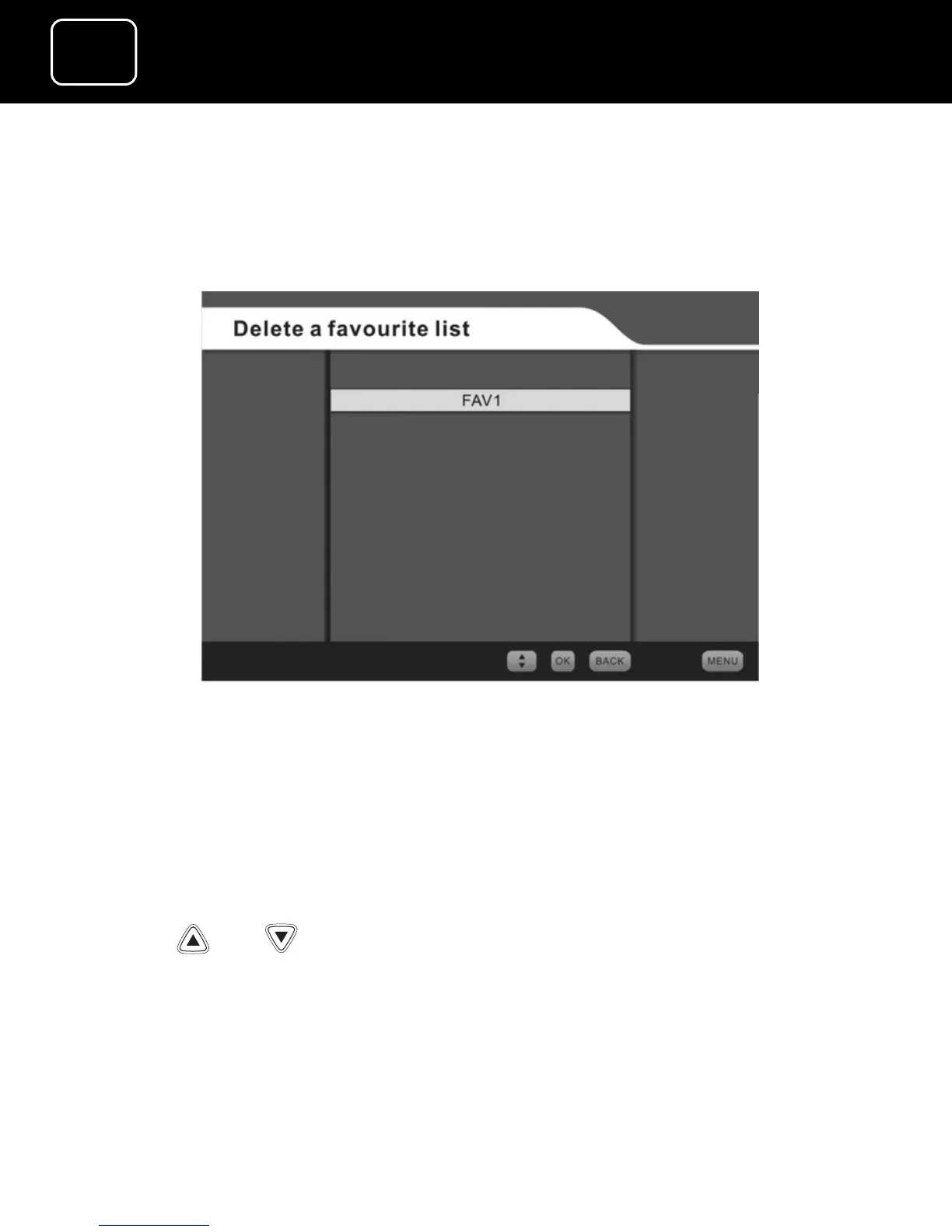
Delete a favourite list screen
1 Select the ‘Delete a favourite list’ option from the favourite lists
menu (see page 45) by pressing the ‘OK’ button.
2 You will now see the ‘Delete a favourite list’ screen.
3 Select the list you want to delete (either FAV1 or FAV2), using
the or buttons, and then press ‘OK’.
4 A warning list will appear to warn you that you are going to
remove a favourite list.
5 To confirm you want to delete the list, press ‘OK’.



 To Next Page