33
GDR11 Digital TV receiver
How to swap between channels
There is a button on the remote control that lets you swap
between the TV channel that you are watching and the TV channel
that you were previously watching.
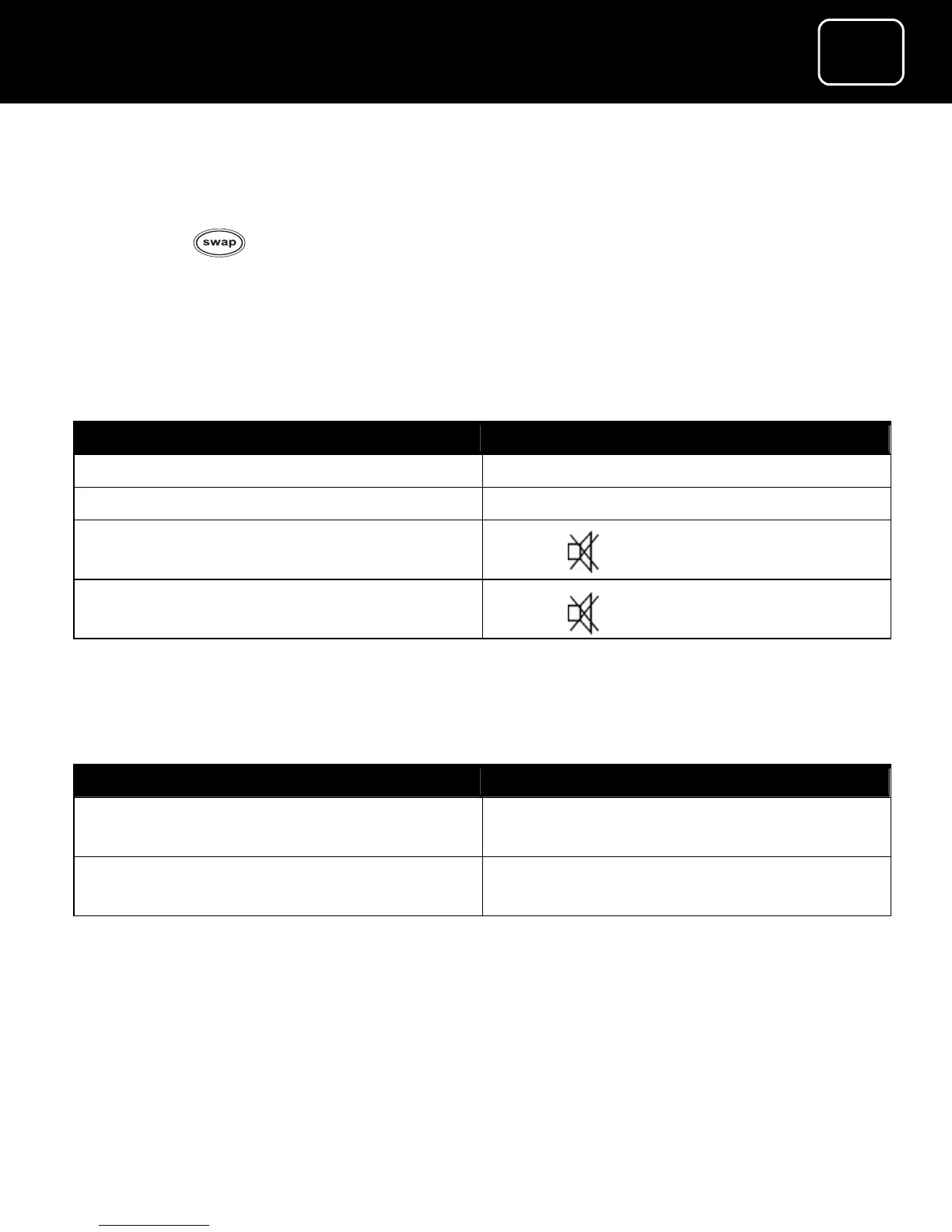
How to change the volume
What do you want to do? Press this button
Turn the volume up Press ‘vol +’
Turn the volume down Press ‘vol –‘
Turn the volume off
Press [ ]
Turn the volume on
Press [ ]
How to select TV or radio
What do you want to do? Press this button
Select the radio (when you are
watching TV)
Press ‘tv/radio’
Select the TV (when you are listening
to the radio)
Press ‘tv/radio’



 To Next Page