ital TV Receiver
4
GDR11 Digital TV receiver
Receiver
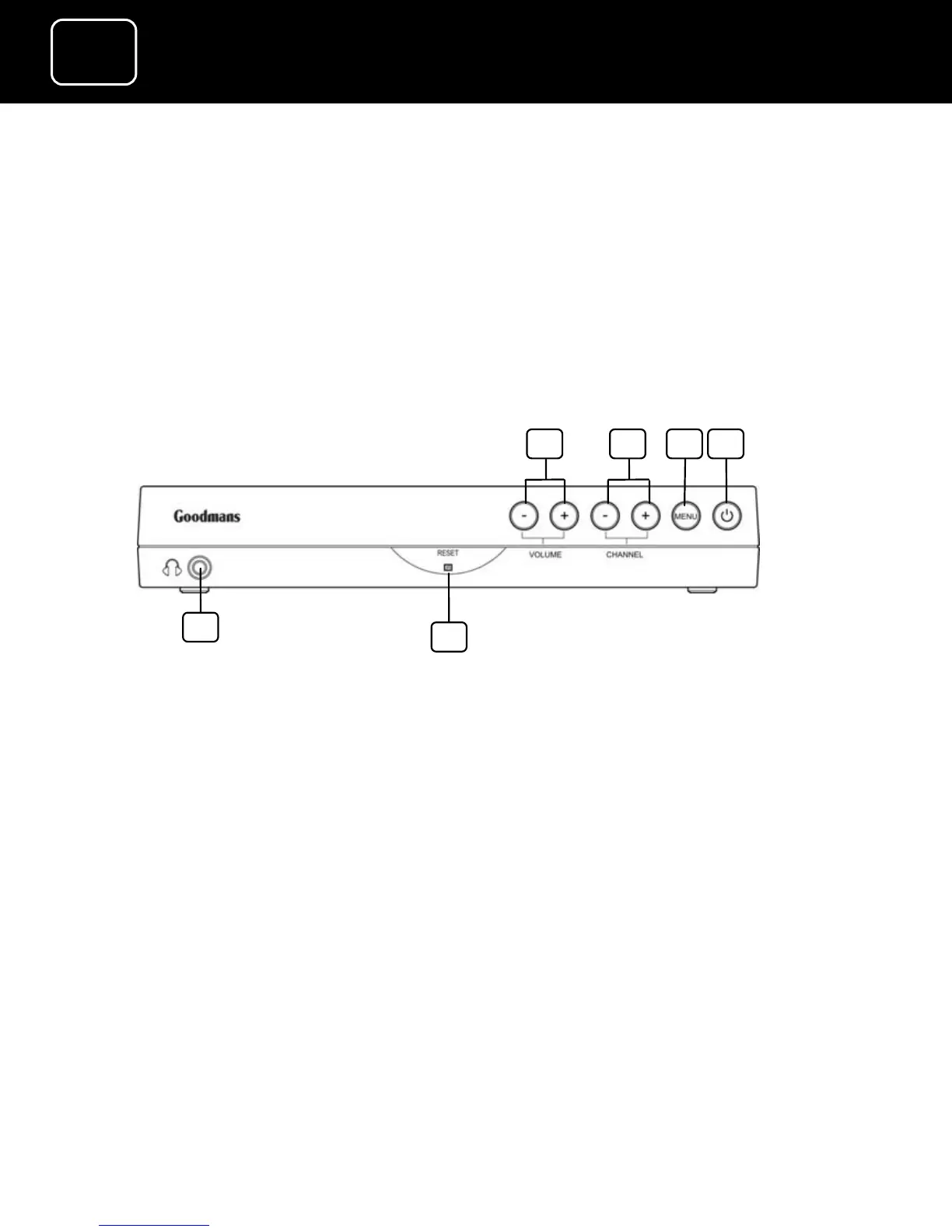
Front panel
1. Volume buttons
2. Channel buttons (these buttons go up and down
the list and go through the on-screen menus)
3. Menu button
4. Standby and on and off light (switches the
receiver on and off or, if it is pressed quickly, it
can be used as the OK button)
5. Reset button (this switches the receiver off and
on again when it isn’t working properly)
6. Headphone socket (3.5 millimetres)
1 3
5
2 4
6



 To Next Page