ital TV Receiver
52
GDR11 Digital TV receiver
How to change your favourite channels
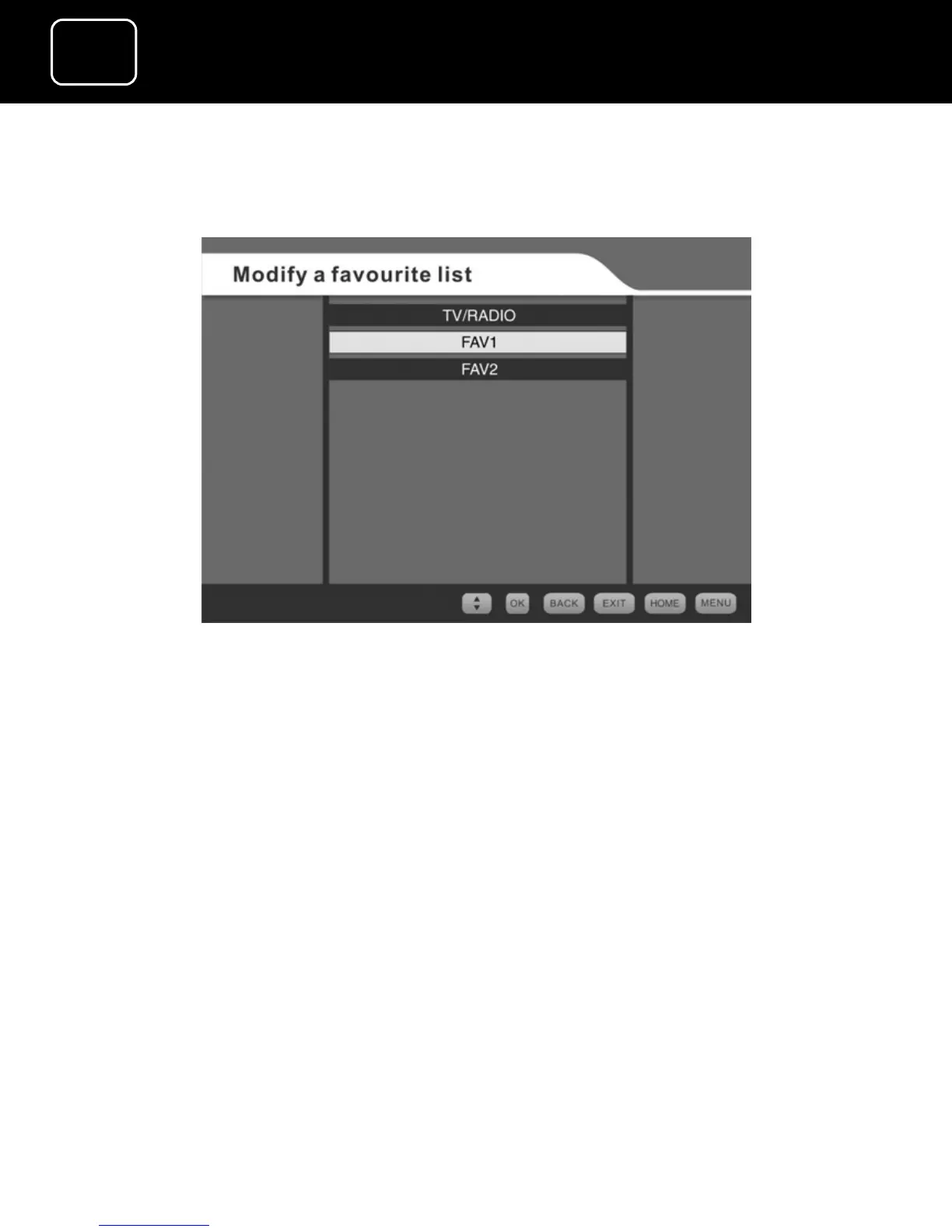
Changing a favourite channel list screen (1)
This menu lets you change the favourite channel lists that you have
created.
For the FAV1 and FAV2 channel lists, you can choose channels to
add or delete from your lists, or change their parental status (this
means whether a channel is locked or unlocked).
You cannot delete any channels from the TV and radio channel list.
You can only lock or unlock individual channels.
1 Select the ‘Modify a favourite list’ option from the favourite lists
menu (see page 45) by pressing the ‘OK’ button.
2 You will now see screen (1) above.



 To Next Page