57
GDR11 Digital TV receiver
How to select a favourite list
This menu lets you choose the favourite list you want to use.
Select a favourite list screen
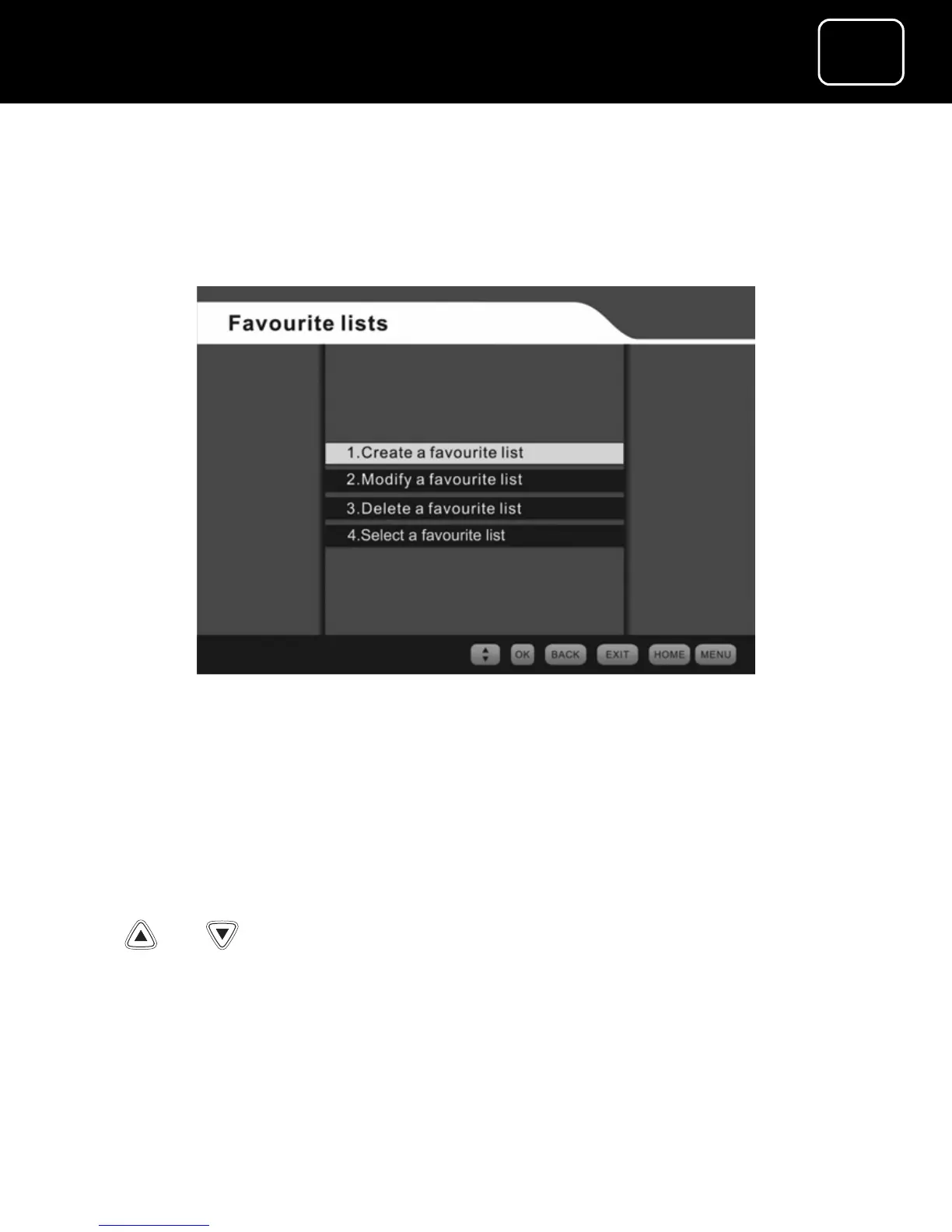
1 Select the ‘Select a favourite list’ option from the favourite lists
menu (see page 45) by pressing the ‘OK’ button.
2 You will now see the ‘Select a favourite list’ screen.
3 Select the list you want to use (either FAV1 or FAV2), using the
or buttons, and then press ‘OK’.
4 You will now go to the first channel in the selected favourite
list.


 To Next Page