ital TV Receiver
32
GDR11 Digital TV receiver
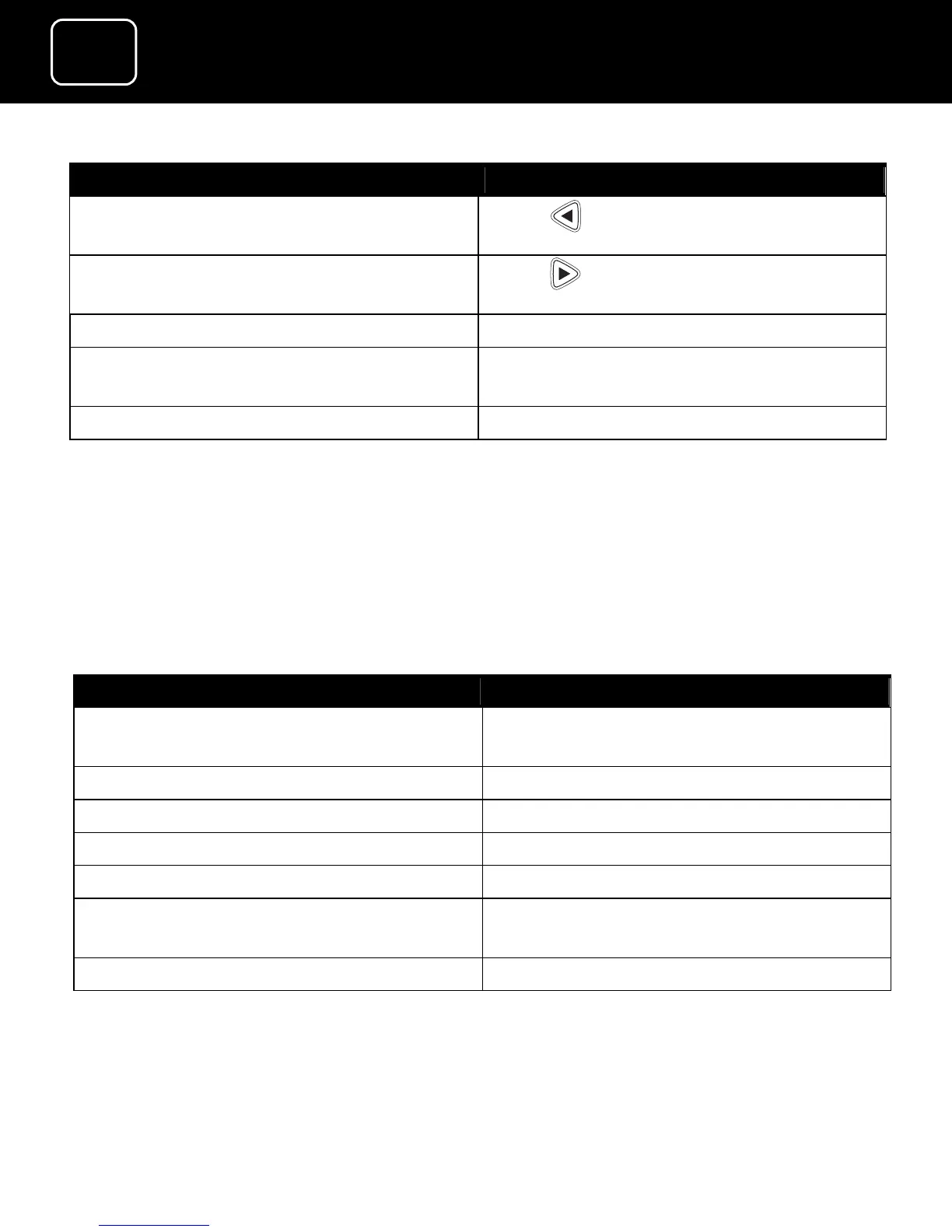
What do you want to do? You need to press this button
Display the previous six channels in
the list
Press while on the channel list
Display the next six channels in the
list
Press while on the channel list
Go back to the previous screen Press ‘back’ while on the channel list
Leave the menu and go back to the
last programme you were watching
Press ‘exit’
Go back to the main menu Press ‘menu’
How to choose your favourite channels
You can create lists of your favourite channels, from the ‘Favourite
lists’ menu (see page 45). You can then choose any list you want
(including the channel list) using the remote control.
What do you want to do? You need to press this button
Select the channel list while you are
watching TV
Press ‘OK’
Select FAV1 Press ‘info’ then ‘OK’
Select FAV2 Press ‘info’ then ‘OK’
Select the channel list… Press ‘info’ then ‘OK’
Go back to the previous screen Press ‘back’
Exit the menu and go back to the
last programme you were watching
Press ‘exit’
Return to the main menu... Press ‘menu’



 To Next Page