53
GDR11 Digital TV receiver
3 Choose the list you want to change, using the or ,then
press ‘OK’.
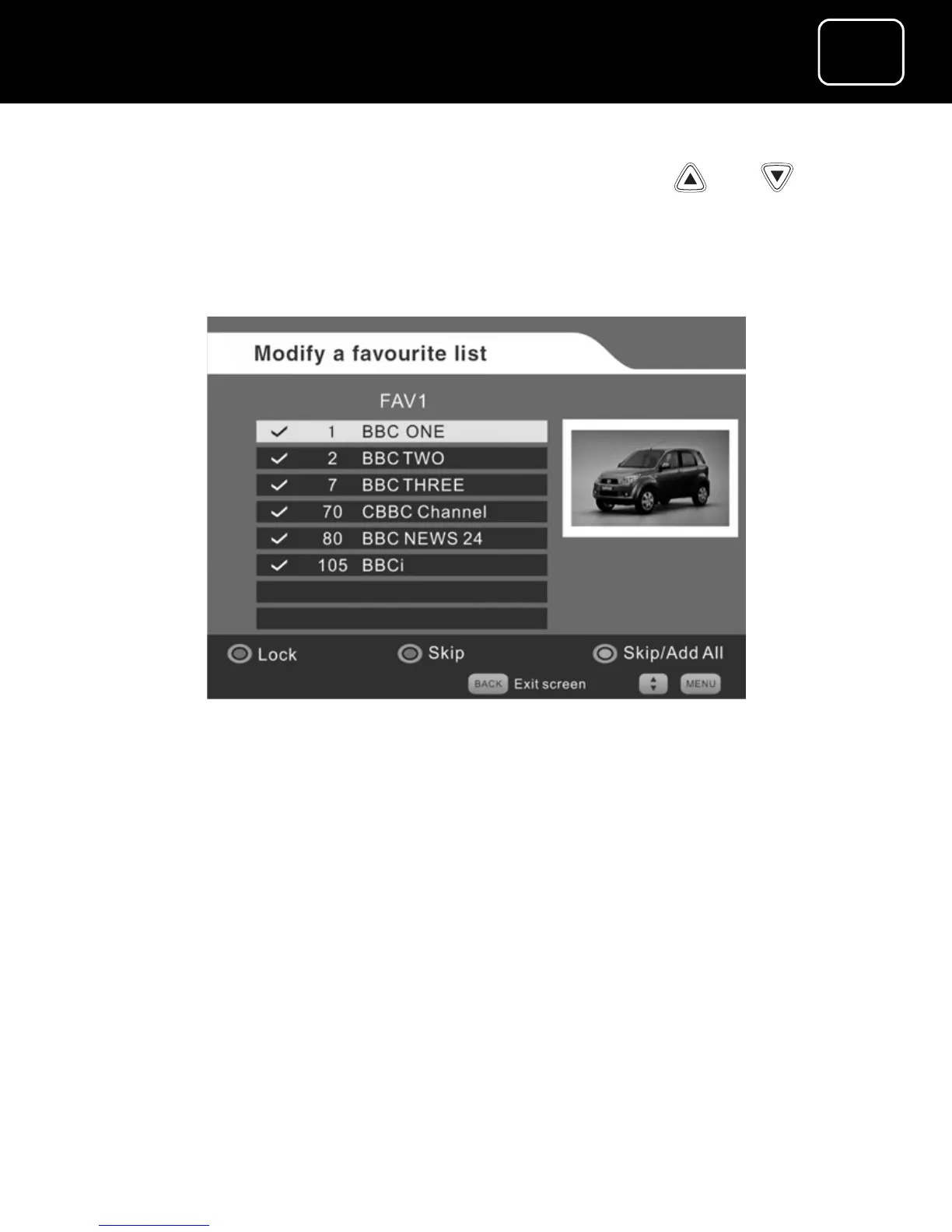
4 If you select the FAV1 or FAV2 channel list, you will see screen 2
below.
Changing a favourite channel list screen (2)
5 To delete a channel, select the channel and press the green
button.
6 To add another channel, select it and press the green button.
7 To lock or unlock a channel, select the channel and press the
red button.
8 If you want to add all available channels to the list, or delete all
available channels from the list, press the blue button to skip a
channel or add them all.



 To Next Page