55
GDR11 Digital TV receiver
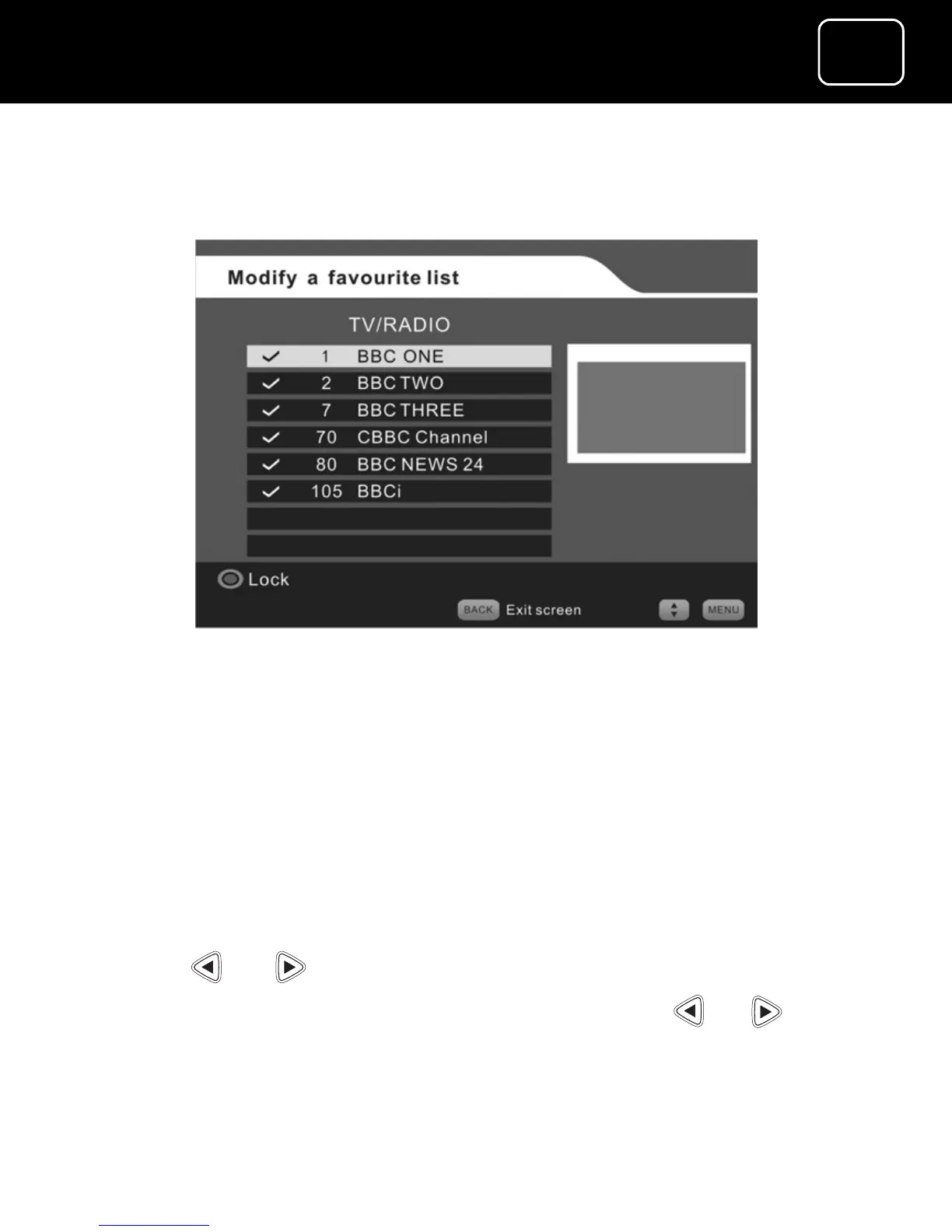
12 If you select the TV and radio channel list from the ‘Modify a
favourite menu’, you will now see screen (4) below.
Changing the TV/radio screen (4)
13 To lock or unlock a channel, select the channel and press the
red button.
14 You now need to save the changes that you have made. To do
this, press the ‘back’ or ‘exit’ button.
15 You will now see a box on the screen that says ‘Do you want to
save changes?’
16 Press or to say ‘Yes’, then press ‘OK’.
17 If you don’t want to save your changes, press or to say
‘No’ then press ‘OK’.



 To Next Page