ital TV Receiver
44
GDR11 Digital TV receiver
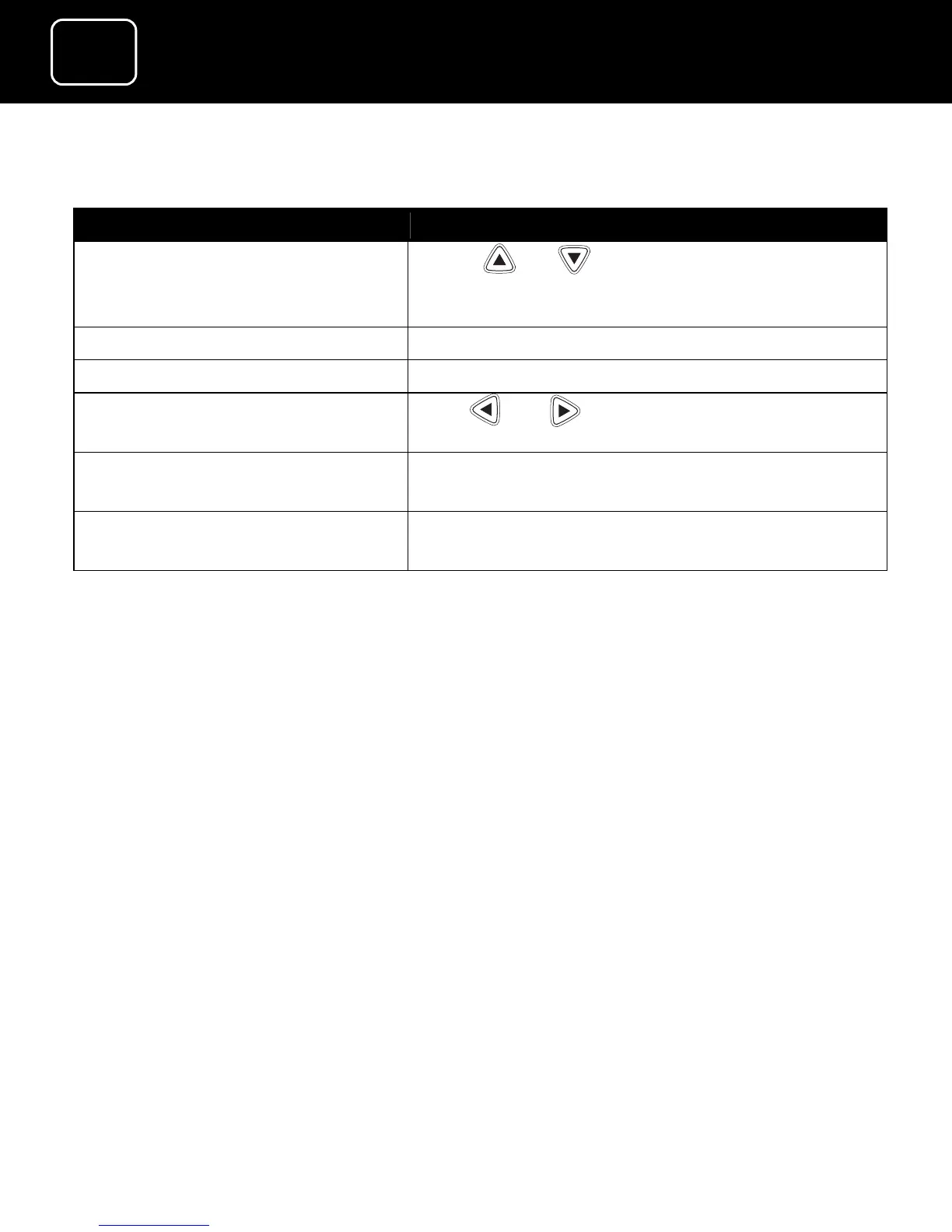
What do you want to do? Press this button
Go to one of the menu
options (for example the
configuration menu)
Arrow or (or you can press the
channel number button if it applies)
Go to the main menu Press ‘menu’
Confirm a menu option Press ‘OK’ once you’re on the menu screen
Select a menu setting Press or once you’re on the menu
screen
Go back to the previous
screen
Press ‘back’
Exit the menu system to go
back to the last programme
Press ‘exit’ when you’re on the menu screen



 To Next Page