ital TV Receiver
50
GDR11 Digital TV receiver
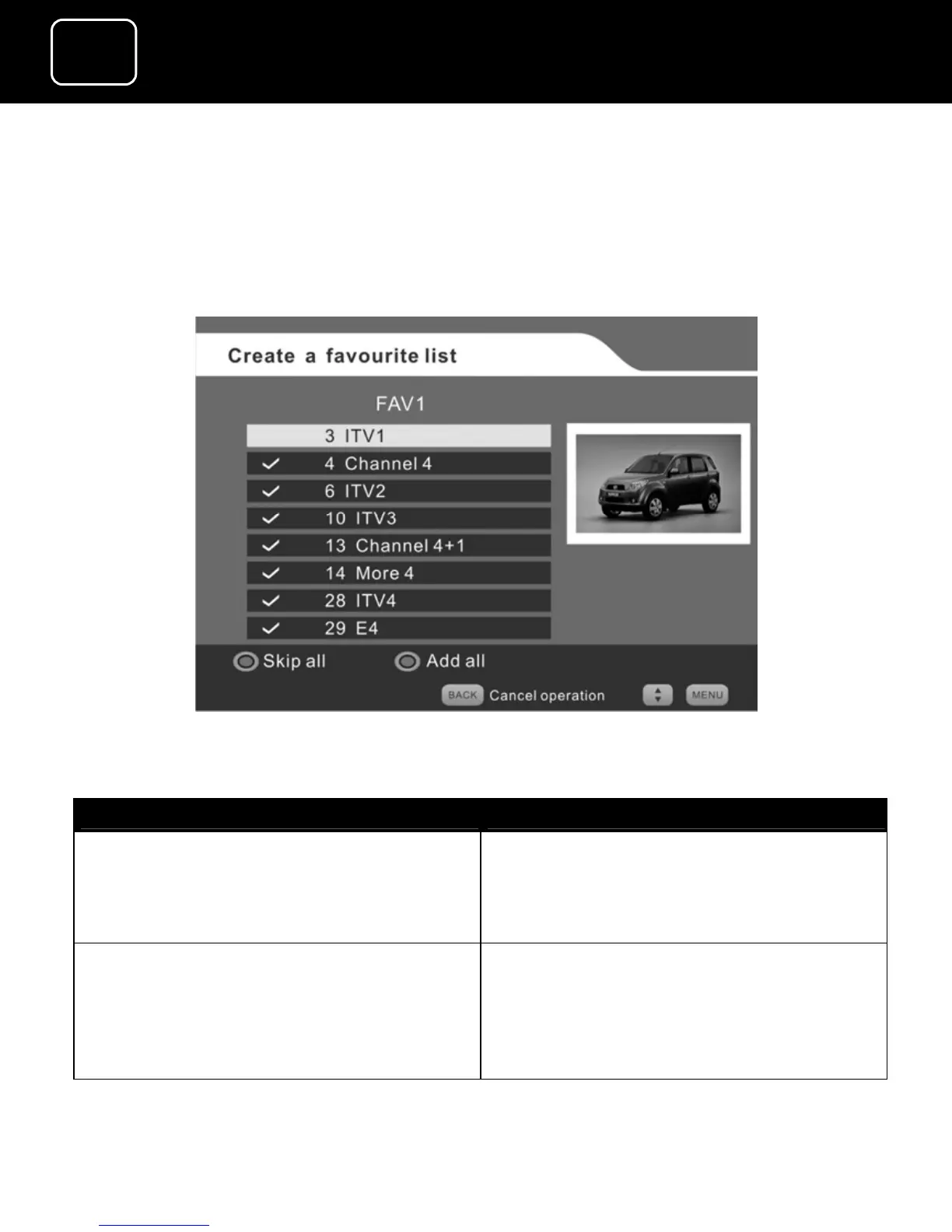
2 You can remove all channels from the screen (2) list by pressing
the blue button, and then add the channels you want by
pressing the green button. This method is best when you only
want a few channels on your favourite list.
Create a favourite list screen (4)
What do you want to do? Press this button
Remove all channels from the list
Press the blue button
(The red-button label then changes
to ‘Skip all’. See screen (4) above.)
Confirm that you want all channels
removed
Press the red button
(The tick symbol appears and the
green-button label changes to
‘Skip’.)



 To Next Page