ADM Display Details
333587B 17
ADM Display Details
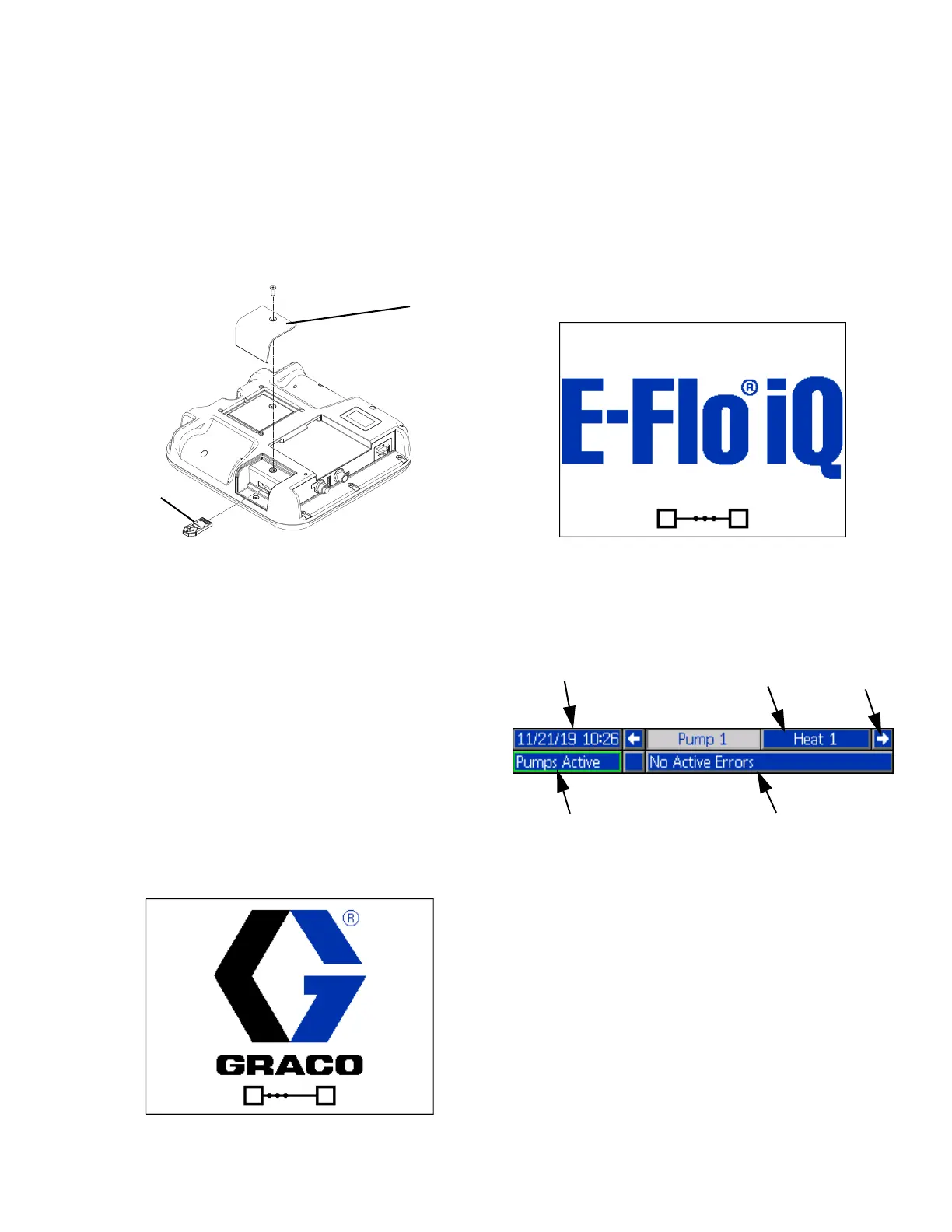
Use the Blue Token
The E-Flo iQ system includes a blue token that must be
inserted into the ADM to initiate the E-Flo iQ software.
1. Remove the ADM from the bracket.
2. Use a hex wrench to remove the screws from the
token access cover (CP).
3. Remove the access cover (CP).
4. Insert and press the blue software token firmly into
the slot.
5. Replace the token access cover (CP) and insert and
tighten the screw that holds it in place.
6. Mount the ADM on the bracket.
Power Up Screen
This screen appears when the ADM is powered up.
Five seconds after the E-Flo iQ blue token is inserted
into the ADM, the Graco power up screen switches to
the E-Flo iQ power up screen. This screen remains on
while the ADM runs through initialization and
establishes communication with other modules in the
system.
Menu Bar
The Menu Bar appears at the top of each screen (the
following image is only an example).
Date and Time
The date and time are always displayed in one of the
following formats. The time is always displayed as a
24-hour clock.
•
DD/MM/YY HH:MM
• YY/MM/DD HH:MM
• MM/DD/YY HH:MM
Navigation Arrows
The left and right arrows are only visible when screen
navigation is allowed.
Date and Time
Navigation
Arrows
Screen Menu
Status
System Mode



 To Next Page