Integration
333587B 93
Connection Details
Fieldbus
Connect cables to the fieldbus per fieldbus standards.
PROFINET
The EtherNet interface operates at 100M bit, full duplex,
as required by PROFINET. The EtherNet interface is
auto-polarity sensing and auto-crossover capable.
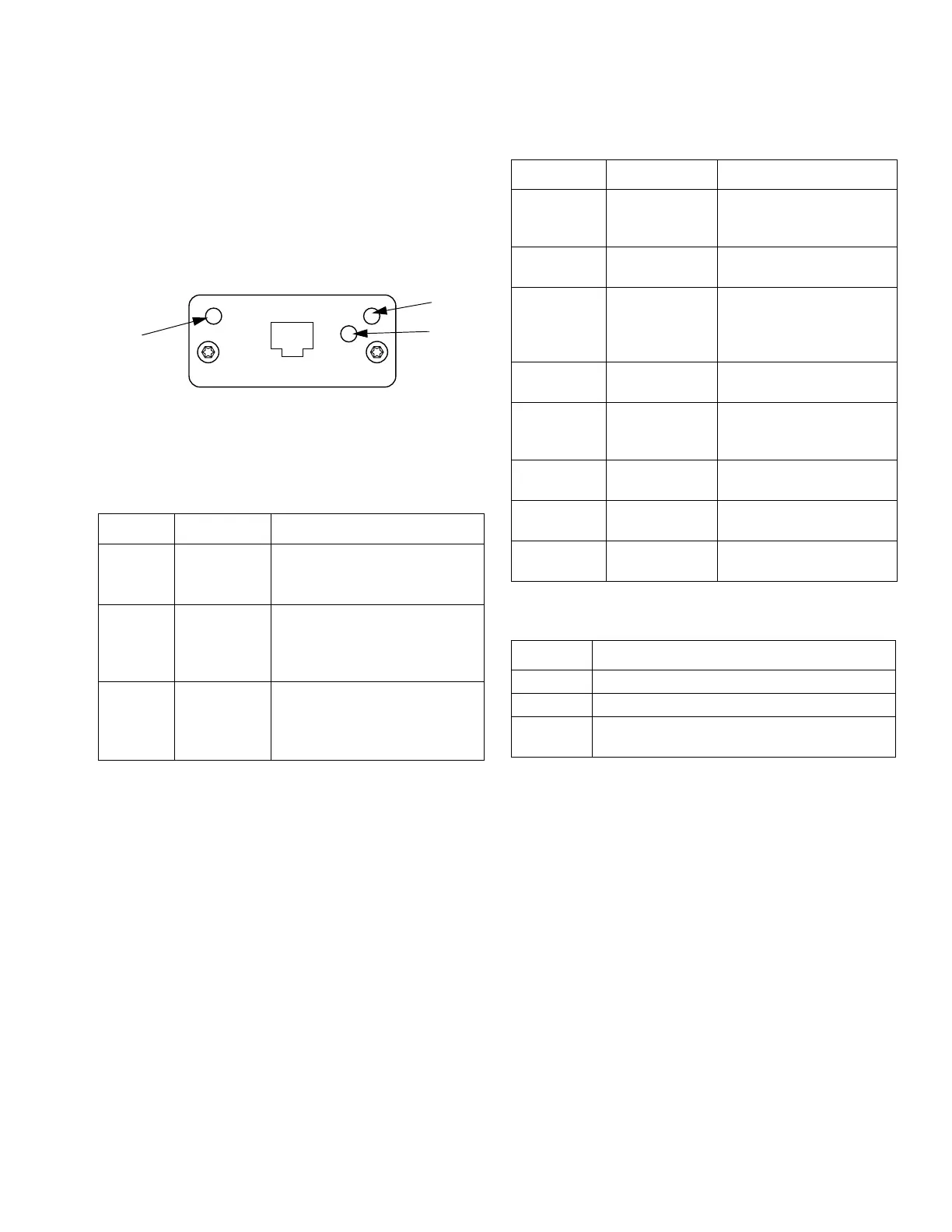
Network Status (NS)
Module Status (MS)
Link/Activity (Link)
State Description Comments
Off Off-line
• No power
• No connection with IO
Controller
Green On-line,
(RUN)
• Connection with IO
Controller established
• IO Controller with RUN
state
Flashing
Green
On-line,
(STOP)
• Connection with IO
Controller established
• IO Controller in STOP
state
State Description Comments
Off Not initialized No power or module in
“SETUP” or “NW_INIT”
state
Green Normal
operation
Diagnostic event(s)
present
Flashing
Green
Initialized,
diagnostic
event(s)
present
Used by engineering tools
to identify node on
network
Red Exception
error
Module in state
“EXCEPTION”
Red
(1 flash)
Configuration
error
Expected Identification
differs from Real
Identification
Red
(2 flashes)
IP Address not
set
Set IP address via system
monitor or DNS server
Red
(3 flashes)
Station Name
not set
Set Station Name via
system monitor
Red
(4 flashes)
Major Internal
Error
Cycle system power;
replace module
State Description
Off No Link, no communication present
Green Link established, no communication present
Green,
flashing
Link established, communication present



 To Next Page