Setup
333587B 33
5. To enable a time frame range of data to download
upon insertion of a USB drive, use the key in
the Data Range Prompt Enable box.
6. Press the soft key to save your changes and
exit editing mode.
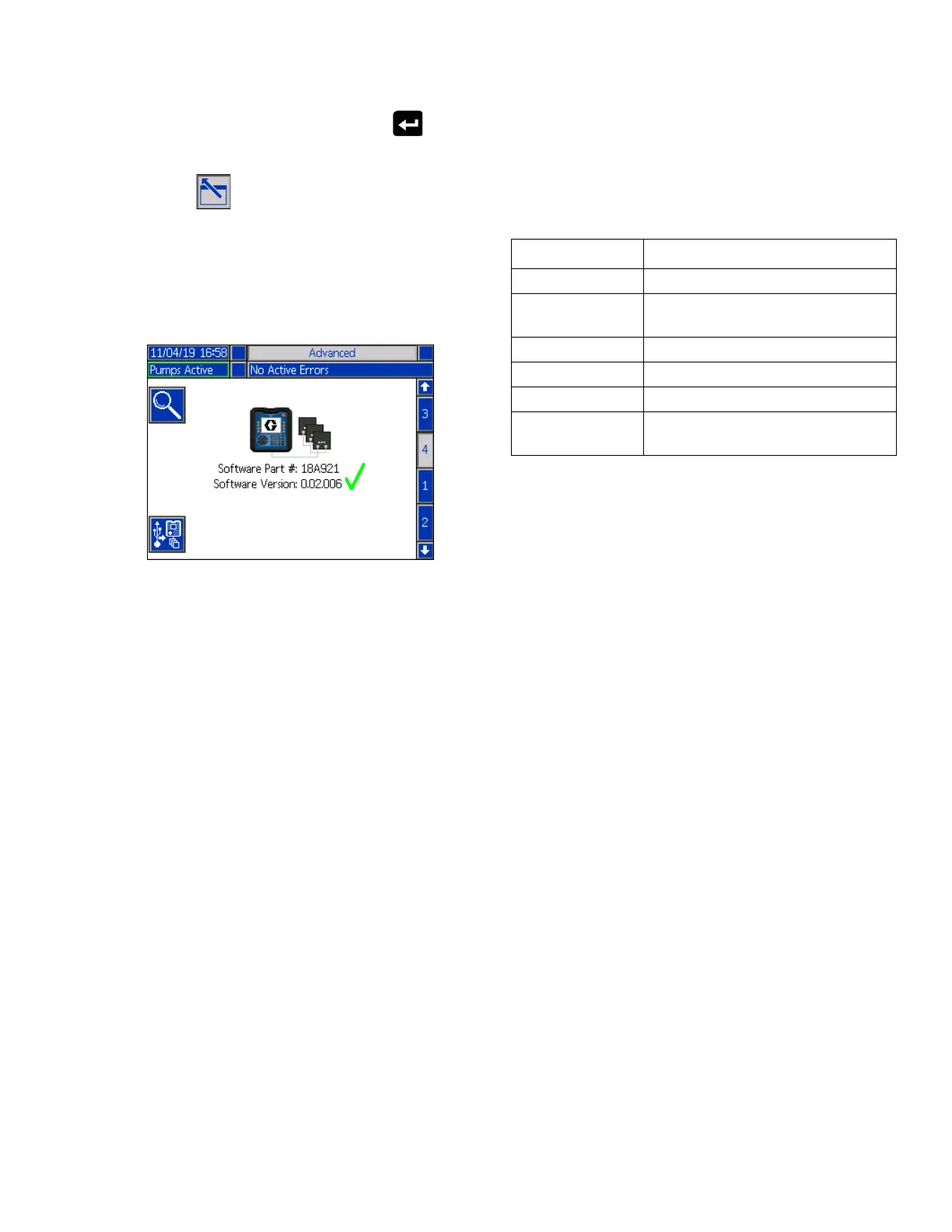
Advanced Setup Screen 4
Use the ADM Directional Keypad (CH) to navigate to
Advanced Screen 3.
This screen can be used to view the version of software
used in the system. Additionally, this screen is used to
update the system software using a USB drive with the
latest software and a Graco black token. The latest
software is provided on Help.graco.com.
Refer to the ADM Token In-System Programming
manual for a detailed description of this screen. See
Related Manuals on page 3.
Connect Light Tower Assembly
1. Order the 255468 Light Tower Accessory as a
diagnostic indicator for the E-Flo iQ System.
2. Connect the cable from the light tower to the digital
I/O port (CS) on the ADM (AF).
NOTE: See Troubleshooting on page 53 for error
definitions.
Signal Description
Off System is not active
Green Only On System is active and no errors are
present
Blinking Green Heat is warming up
Yellow On An advisory exists
Blinking Yellow A deviation exists
Red solid The system is shut down due to
an alarm occuring



 To Next Page