Appendix A - Advanced Display Module (ADM)
3A2098S 105
System Mode
There are five modes: Active, Job in Cycle, Display
Control, Swirl Setup, and System Off. The current
system mode is displayed at the left of the menu bar.
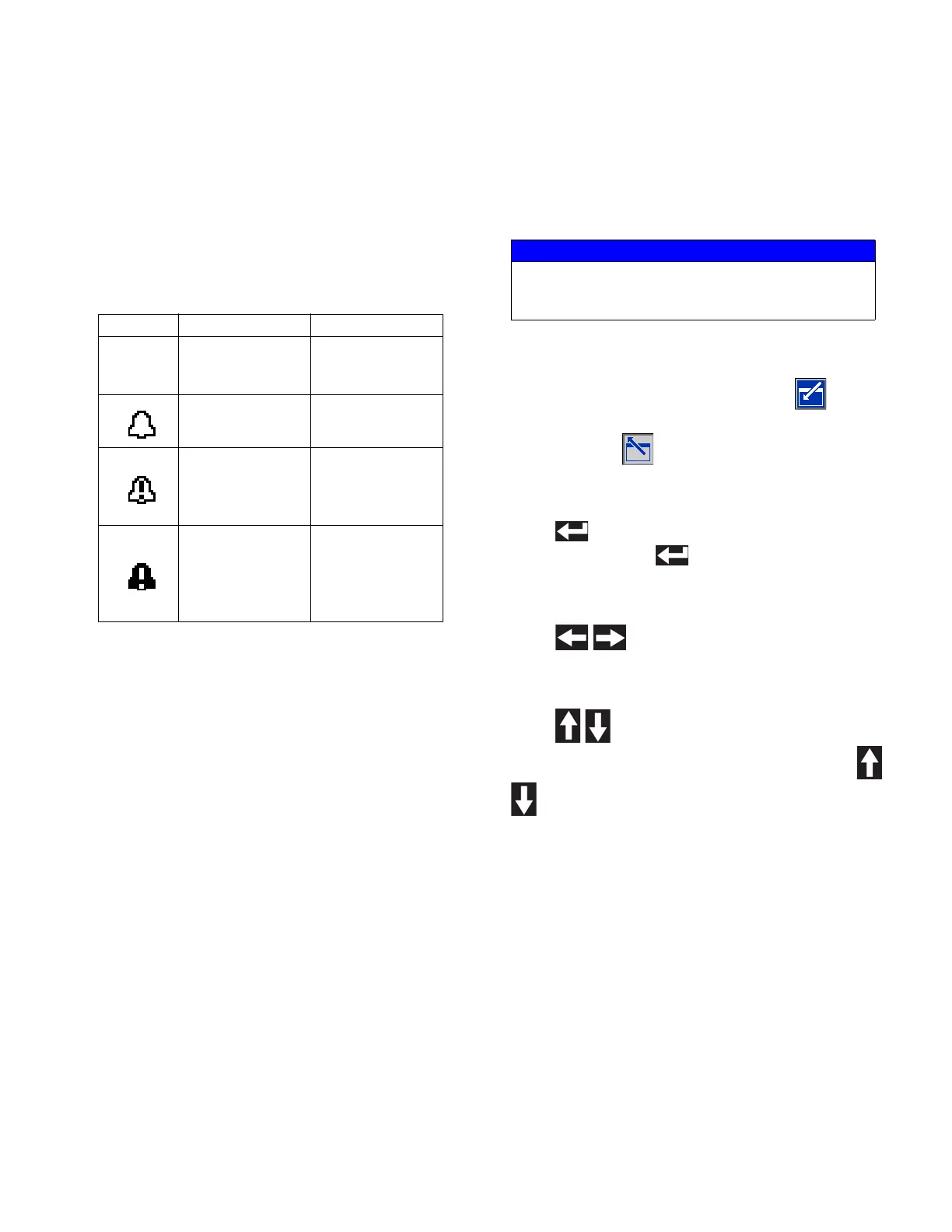
Alarm/Deviation
If there is an active system error, one of the following
icons is displayed in the middle of the menu bar. There
are four possibilities:
Status
The current system status is displayed at the right of the
menu bar.
Soft Keys
Icons next to the soft keys indicate which mode or action
is associated with each soft key. Soft keys that do not
have an icon next to them are not active in the current
screen.
Jump In/Jump Out
In screens that have editable fields, press to access
the fields and make changes. When changes are
complete press again to exit edit mode.
Navigation within Screens
Press to open drop-down menus on Setup
screens. Also, press to enter changes or make a
selection.
Press to navigate to new screens and to
navigate left and right within a screen.
Press to navigate to new screens and to
navigate up and down within a screen. Also press
to move between fields within a drop-down menu,
and to increment or decrement numbers within a field.
Icon Function Description
No Icon
No information or
no error has
occurred
---
Advisory Informational
Deviation
Important but will
not shut down the
affected fluid
plate
Alarm
Very important
and will immedi-
ately shut down
the affected fluid
plate
NOTICE
To prevent damage to the soft key buttons, do not
press the buttons with sharp objects such as pens,
plastic cards, or fingernails.



 To Next Page